
Finding a job today feels confusing, and sometimes even unfair. You apply to many roles, try your best, and still hear nothing. That’s where AI tools for job seekers can make the process a little smarter and less stressful.” update your resume again and again, and still you wait for replies. Many people don’t just fail , just because of no talent. They fail because they don’t know how to present their skills, where to focus, or how to prepare smartly.
These tools are not shortcuts. They are support systems. Each one helps remove one small struggle, resume confusion, interview fear, skill gaps, or time waste.
Now let’s go step by step.
Resume & Cover Letter Builders
Your resume is your first impression. Recruiters don’t spend minutes reading it—most spend just 6 to 8 seconds. AI tools for job seekers help make those seconds count.
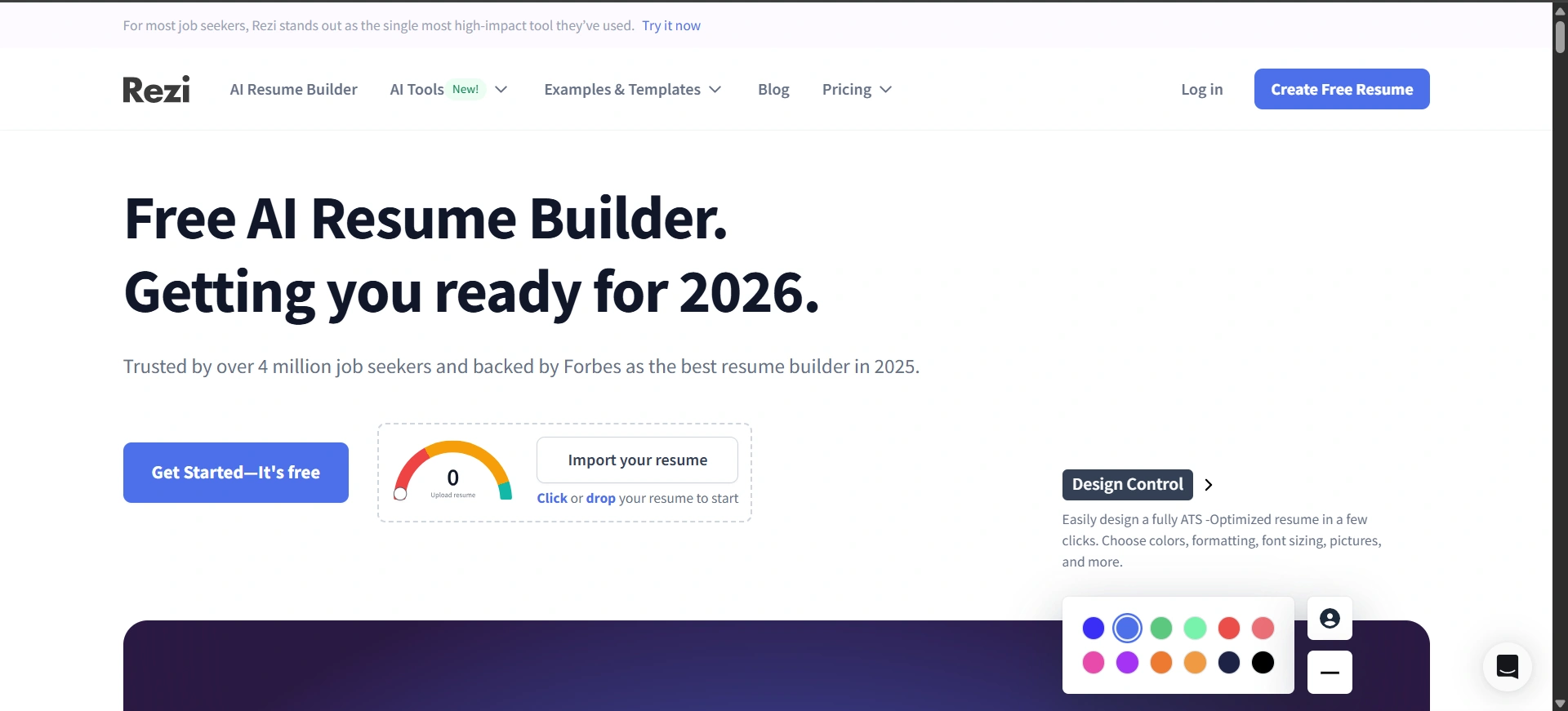
Rezi – Resume Optimizer
Purpose:



This Rezi tool helps job seekers create resumes that are easy for recruiters and software systems to read. Many resumes get rejected before a human sees them. Rezi fixes that problem by making resumes clean, clear, and role-focused.
What This Includes:
- Matches resume content with job descriptions
- Uses recruiter-friendly structure
- Highlights missing skills and keywords
Benefits:
- Improves shortlisting chances
- Saves time during editing
- Makes resume look professional
Tip:
Use Rezi separately for each job role instead of sending one generic resume.
Website: Rezi
Kickresume – Resume & Cover Letter Generator
Purpose:
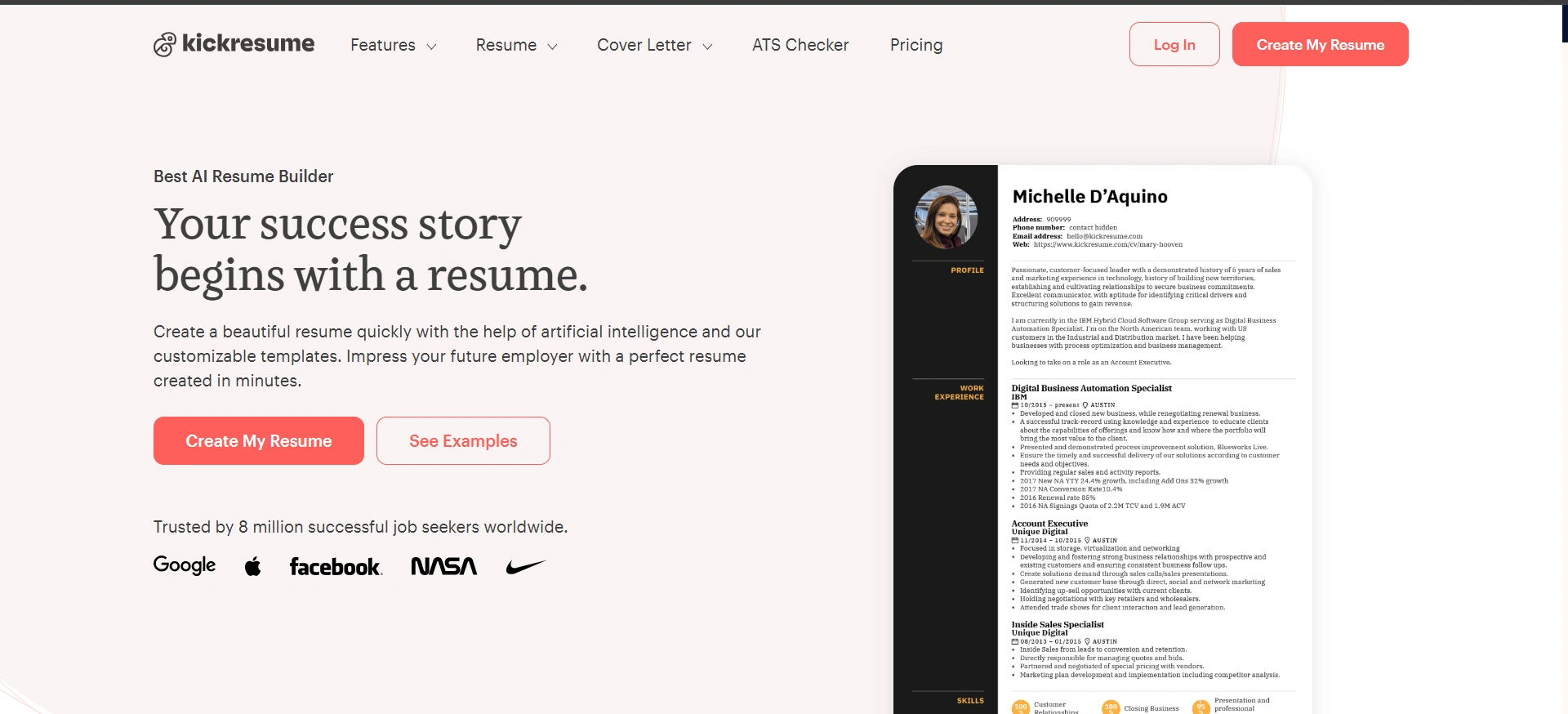
Kickresume helps people create resumes and cover letters quickly without design stress. It’s useful when you know your skills but don’t know how to present them neatly.
What This Includes:
- Ready-made resume templates
- Cover letter creation
- Simple customization
Benefits:
- Clean and simple design look
- Best for beginners
- Builds confidence while applying
Tip:
Keep content simple. Don’t overload templates with too much text.
Website: Kickresume
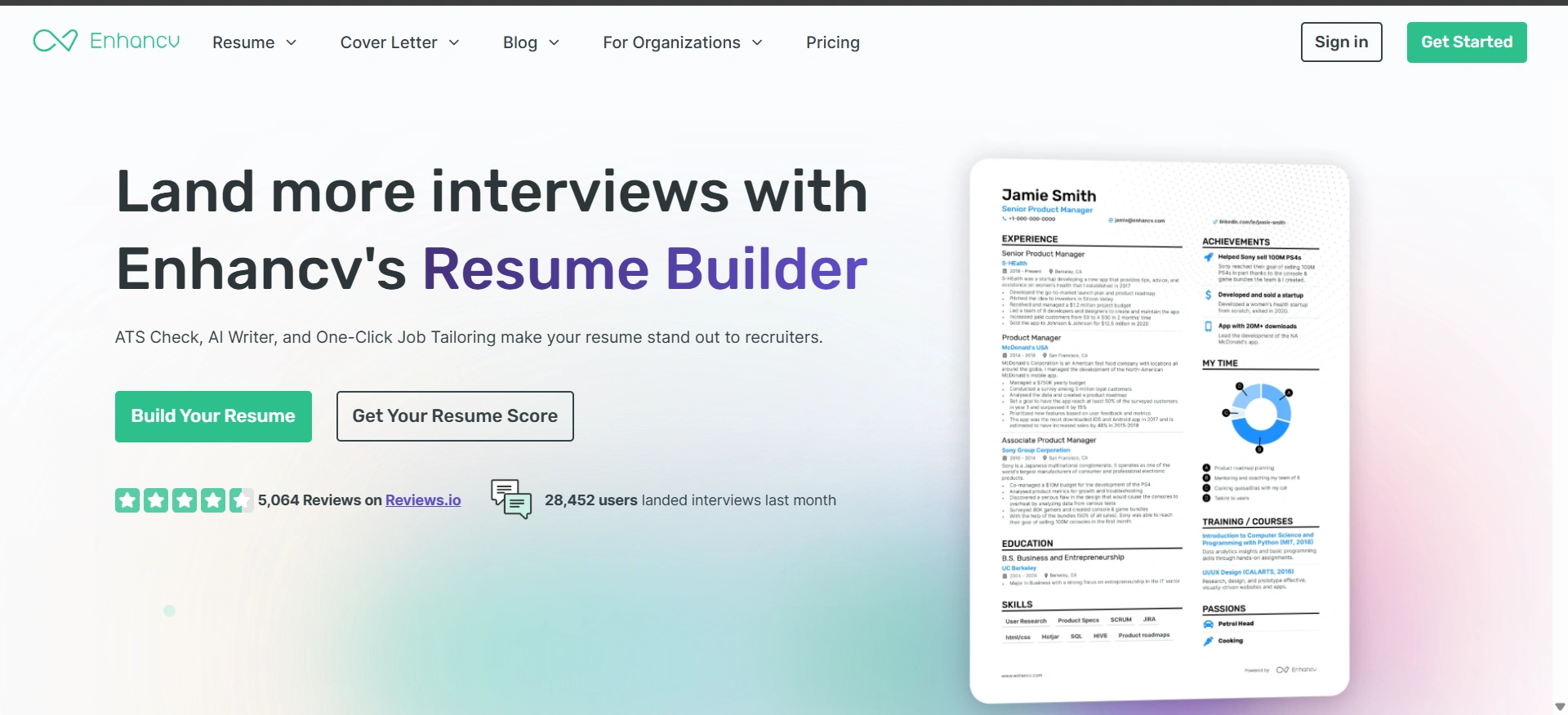
Enhancv – Resume Storytelling Tool
Purpose:
Enhancv tool helps to make resumes feel more human. It shows your strengths, achievements, and who you are, not just about your job titles.
What This Includes:
- Skill-based resume sections
- Achievement-focused layouts
- Soft skill highlighting
Benefits:
- Helps stand out
- Great for creative roles
- Makes resumes feel personal
Tip:
Use this when applying to startups or creative roles.
Website: Enhancv
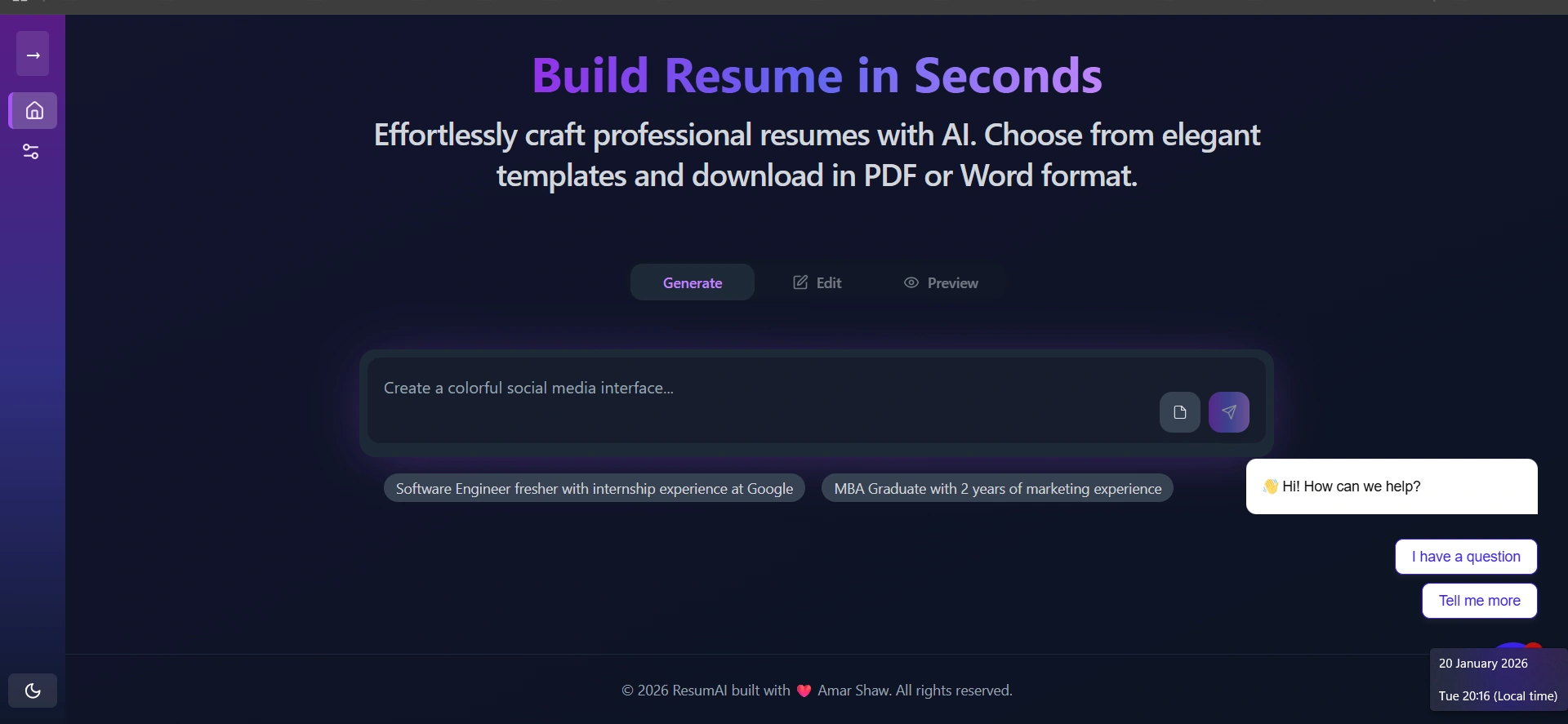
ResumAI – Job-Based Resume Tailoring
Purpose:
ResumAI rewrites resumes based on specific job descriptions. It helps people avoid sending the same resume everywhere.
What This Includes:
- Job role matching
- Skill alignment
- Content restructuring
Benefits:
- Higher relevance
- Better recruiter attention
- Saves manual effort
Tip:
Always check the final version once before sending.
Website: ResumeAI
VMock – Resume Feedback Platform

Purpose:
VMock reviews resumes like a real recruiter. It points out weak areas clearly and suggests improvements.
What This Includes:
- Resume scoring
- Grammar and structure checks
- Improvement suggestions
Benefits:
- Clear feedback
- Student-friendly
- Good for freshers
Tip:
Use feedback gradually instead of changing everything at once.
Website: VMock
LinkedIn & Networking Tools
LinkedIn is not just a resume page. It’s where opportunities quietly happen with the help of AI tools for job
Option 2 (More human):
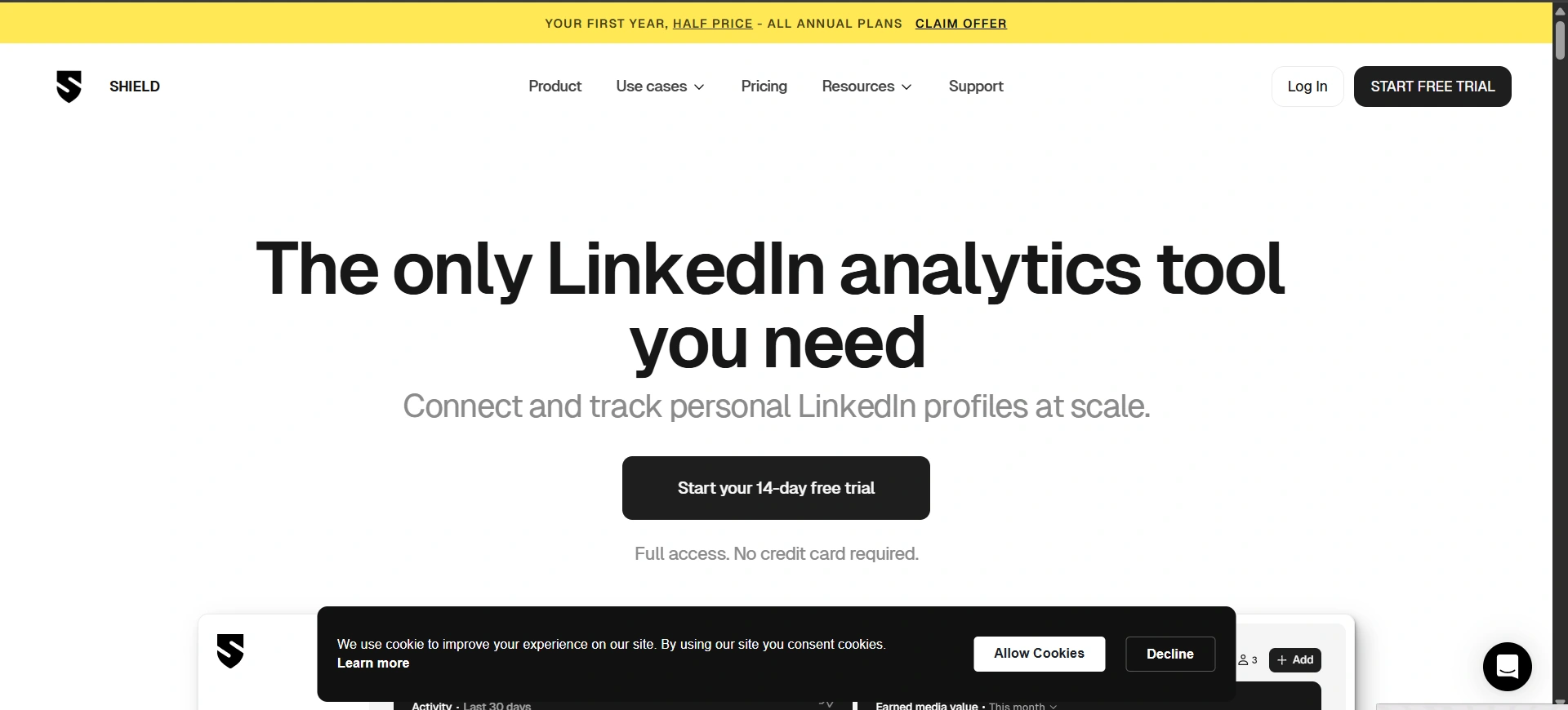
Shield AI – LinkedIn Analytics
Purpose:
Shield AI helps you understand which LinkedIn posts work and which don’t.
What This Includes:
- Post performance tracking
- Engagement insights
- Audience behavior
Benefits:
- Better reach
- Strong personal brand
- Smart content planning
Tip:
Post consistently, not randomly.
Website: Shield AI
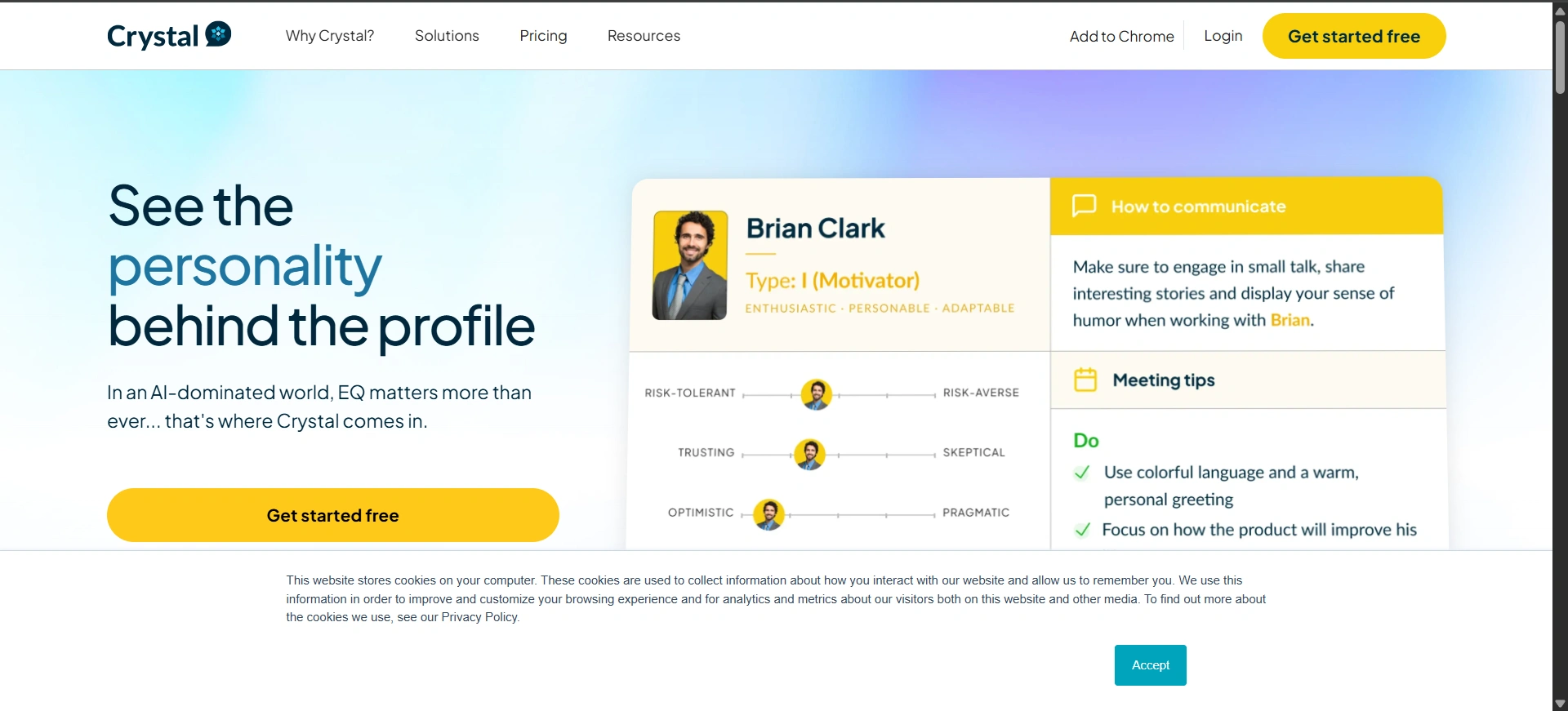
Crystal Knows – Helps You Communicate Better
Purpose:
Crystal Knows helps you talk to people in the right way based on their personality.
What This Includes:
- Personality insights
- Message tone suggestions
- Profile analysis
Benefits:
- Better replies
- Improved networking
- Reduced awkwardness
Tip:
Use it before important messages or emails.
Website: Crystal Knows
Lusha Professional Contact Finder
Purpose:
Lusha helps find verified emails and phone numbers.
What This Includes:
- Contact enrichment
- Company data
- CRM sync
Benefits:
- Faster connections
- Better lead quality
- Useful for hiring
Tip:
Use this properly and don’t spam
Website: Lusha
Preparing for Interviews and Mocks
Interviews give you clarity, not just memory.
Interview Warm up by Google
Purpose:
Helps practice interview answers in a safe environment.
What This Includes:
- Role-based questions
- Voice/text responses
- Feedback insights
Benefits:
- Builds confidence
- Reduces fear
- Makes things clear
Tip:
Just do practice by speaking out loud, not just in your head.
website: Interview Warm up by Google
PrepAI
Purpose:
Creates role-specific mock interviews.
What This Includes:
- Custom questions
- Difficulty levels
- Performance feedback
Benefits:
- Focused preparation
- Smart practice
- Better answers
Tip:
Target your weak areas first.
Website: PrepAI
MyInterview
Purpose:
MyInterview helps in improving video interview performance.
What This Includes:
- Video analysis
- Tone and clarity scoring
- Expression feedback
Benefits:
- Better screen presence
- Improved confidence
- Clear communication
Tip:
Watch your recordings calmly.
Website: MyInterview
Pramp
Purpose:
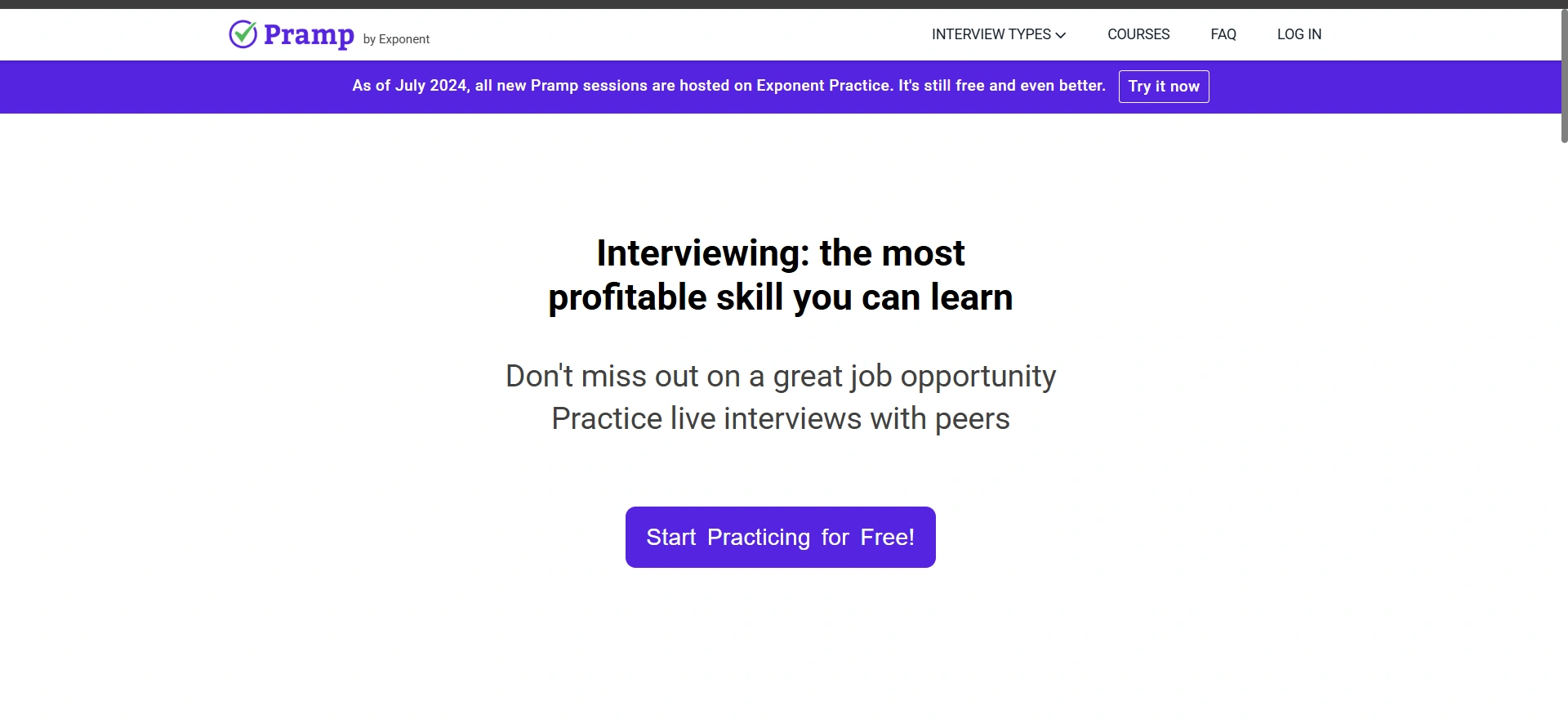
Pramp helps prepares candidates for technical interviews.
What This Includes:
- Live practice
- Peer interviews
- Coding sessions
Benefits:
- Real interview feel
- Pressure handling
- Skill improvement
Tip:
Treat practice like real interviews.
Website: Pramp
Skill Learning & Upskilling
The world is changing fast. Jobs, tools, and industries are not the same anymore and AI tools for job seekers are becoming essential. To grow in your career or business, you must keep learning new skills. This is called skill learning and upskilling. Skill learning means gaining new abilities. Upskilling means improving the skills you already have.
Coursera AI
Purpose:
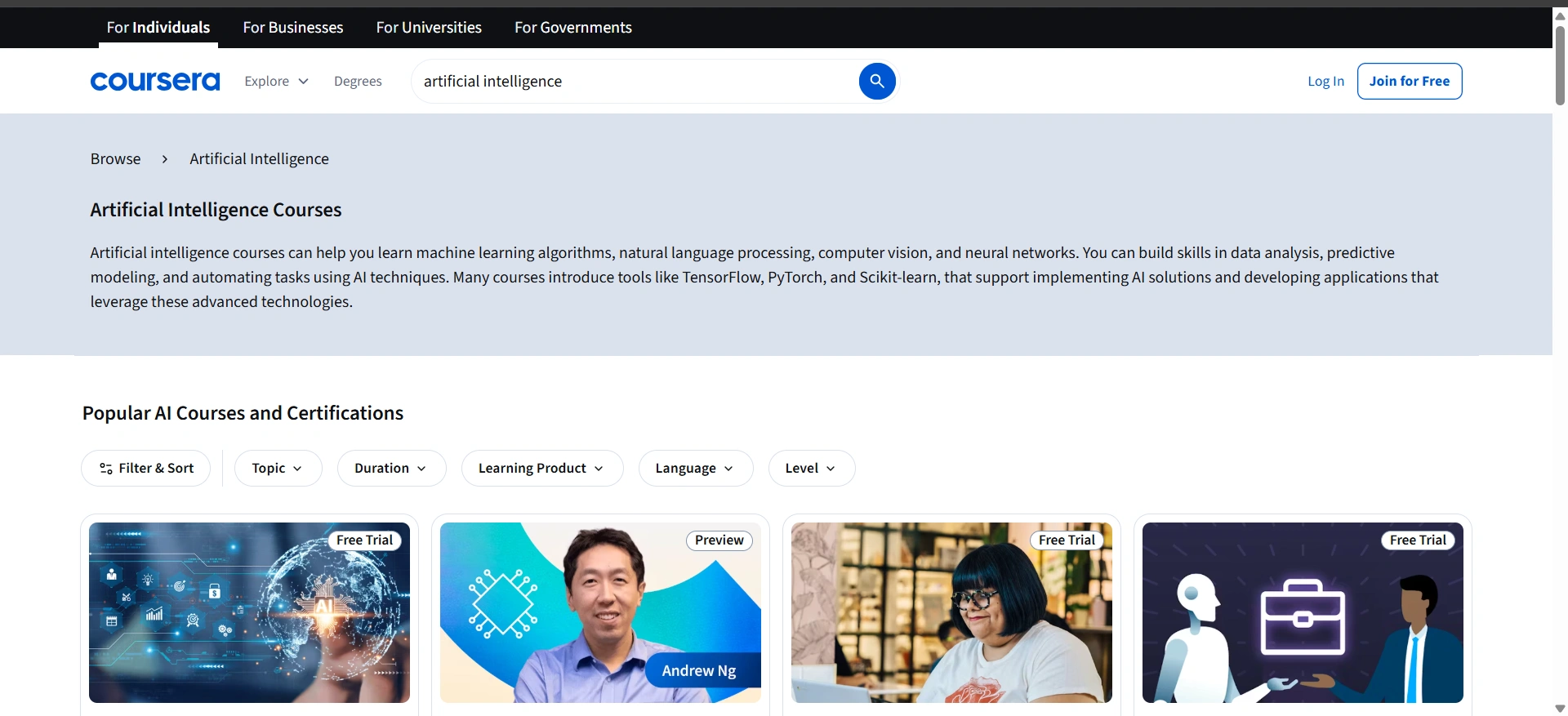
This Coursera AI tool helps people to learn skills that companies are actually looking for. Instead of randomly choosing courses, it studies your interests, background, and career goals, then suggests learning paths that make sense. It feels like having a guide that shows you what to learn next—without confusion—using AI tools for job seekers.
Benefits:
- Helps you focus on job-ready skills
- Offers certificates from trusted companies and universities
- Includes hands-on projects, not just videos
- Saves time by removing guesswork
Tip:
Pick one career path and complete it fully before jumping to another course. Completion matters more than quantity.
Website: Coursera AI
edX AI
Purpose:
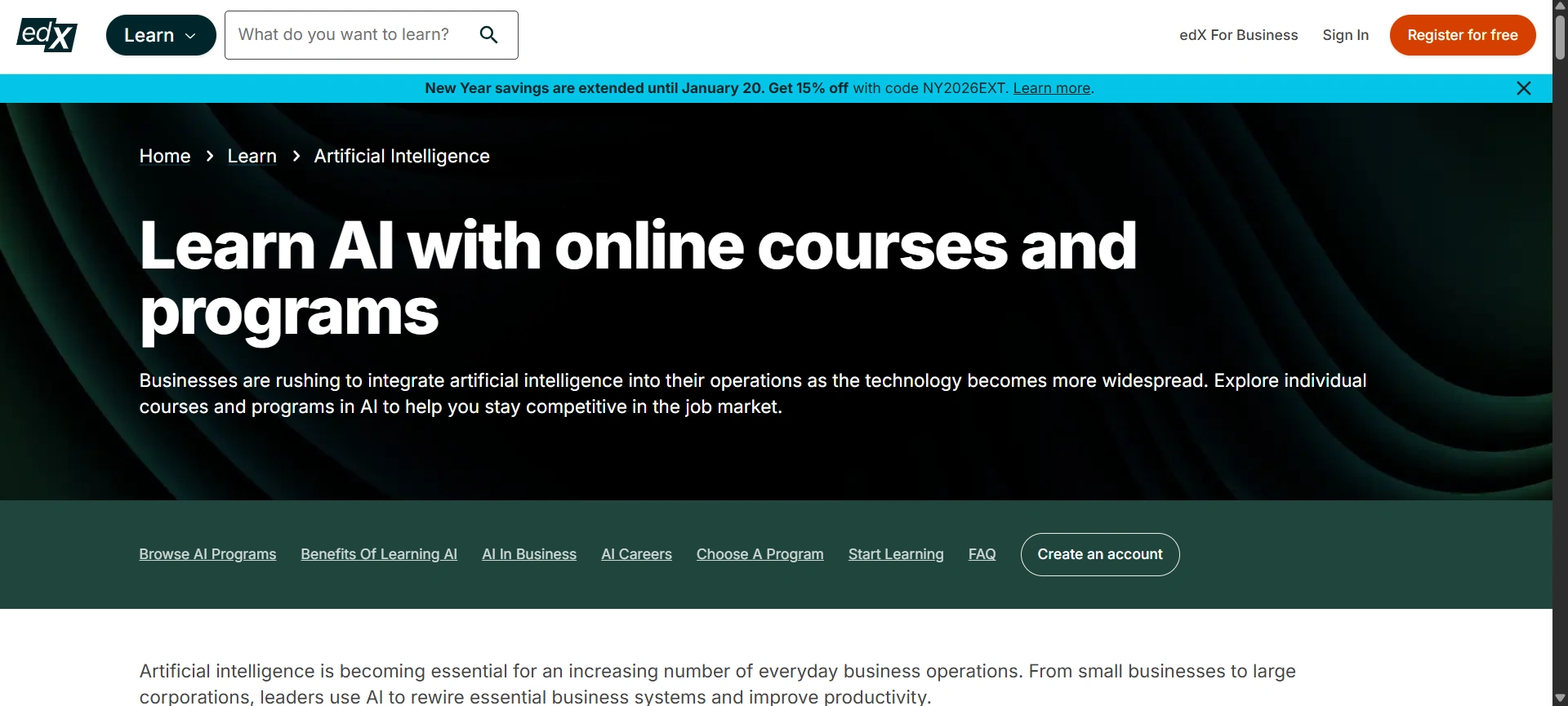
edX AI supports learners who want structured and serious learning. It recommends courses based on current industry demand and your learning history. This platform works well if you prefer deep understanding instead of short tutorials.
Benefits:
- Courses from top global universities
- Strong focus on fundamentals and concepts
- Helpful for career transitions
- Builds long-term skill confidence
Tip:
Try to choose the courses which include more projects and assignments. Just keep focus on learning skills, not just for certificates.
Website: edX AI
Skillshare AI
Purpose:
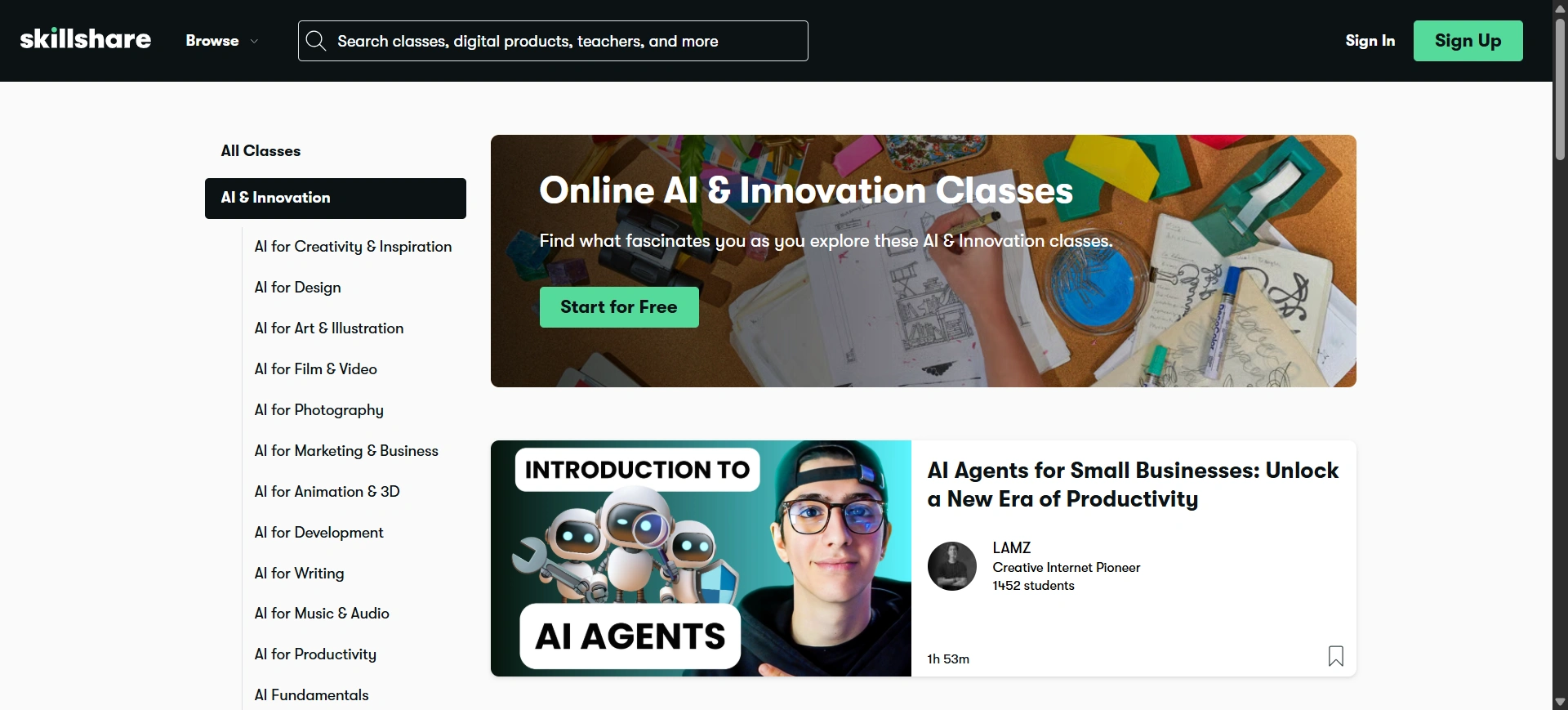
Skillshare AI helps people learn creative and practical skills through simple, project-based lessons. It’s ideal for learners who prefer doing instead of listening for hours. The AI recommends skills based on your goals and interests.
Benefits:
- Easy-to-follow classes
- Focus on creativity and execution
- Great for freelancers and creators
- Encourages learning by practice
Tip:
Always complete the class project. Even a small project can be added to your portfolio later which gives you weightage to your resume.
Website: Skillshare AI
Sana Labs
Purpose:
Sana Labs focuses on personalized learning for professionals and teams. It helps you regarding content based and you can learn fast and what you already know. This makes learning feel smoother and less overwhelming.
Benefits:
- Personalized learning experience
- Saves time by skipping known topics
- Improves focus and retention
- Useful for continuous career growth
Tip:
Review progress regularly. Understanding where you struggle helps improve faster than rushing through content.
Website: Sana Labs
Portfolio & Personal Branding Tools
Your resume tells people what you did. Today, recruiters and clients don’t just want claims. They want proof. A simple portfolio, even with small projects can help you to build trust faster than the other resumes. These tools help you to present your skills clearly and confidently.
Copy.ai
Purpose:
Copy.ai tool helps you write personal branding content when you don’t know what to say or how to say it. Whether it’s your bio, LinkedIn summary, portfolio description, or pitch message, this tool helps shape your thoughts into clear words without sounding forced.
Benefits:
- Saves time when writing about yourself
- Helps structure thoughts clearly
- Useful for bios, summaries, and introductions
- Reduces writing stress
Tip:
Always write the output in your own words for your understanding. Use this for reference purposes, not the final copy.
Website: Copy.ai
Canva AI
Purpose:
Canva AI tool helps you to design professional-looking portfolios without having any design skills. It guides layout, colors, spacing, and visuals so your work looks clean and organized. You focus on content. Canva handles the design balance.
Benefits:
- Easy drag-and-drop design
- Ready-made portfolio templates
- Looks professional on any device
- Saves money on design tools
Tip:
Keep designs simple. Clear visuals and readable text matter more than fancy effects.
Website: Canva AI
Beautiful.ai
Purpose:
Beautiful.ai helps you create smart presentation-style portfolios. It automatically adjusts layout and design so slides never look messy. This tool is perfect for explaining projects, case studies, or career journeys step by step.
Benefits:
- Clean, balanced slide layouts
- Presentations that look professional
- Easy storytelling through slides
- Great for interviews and pitches
Tip:
Use one idea per slide. Simpler slides make stronger impressions.
Website: Beautiful.ai
RunwayML

Purpose:
RunwayML helps you create visual and media content for your portfolio. If you work with videos, visuals, or digital media, this tool helps you show creativity without complex software.
Benefits:
- Creates engaging visual content
- Useful for creative portfolios
- Saves editing time
- Helps ideas come to life
Tip:
Use short clips or previews in your portfolio. Attention spans are short.
Website: RunwayML
Notion AI
Purpose:
Notion AI tool helps you to build a digital portfolio which stays organized and easy to update and understand. You can store projects, links, descriptions, and progress all in one place. It works like your personal career dashboard.
Benefits:
- Central place for all work
- Easy to update and share
- Clean layout for project explanation
- Flexible for any career type
Tip:
Update your portfolio every month. Small updates keep it relevant and fresh.
These tools help you:
- Show real work
- Build confidence
- Stand out naturally
Prove your skills without explaining too much
Website: Notion AI
Job Search & Application Optimization Tools
Applying for jobs isn’t just about effort. It’s about direction. Many people apply to dozens of roles and hear nothing back not because they’re unqualified, but because their resume doesn’t match what recruiters are scanning for. AI tools for job seekers reduce blind applications and help you apply smarter, not harder.
Jobscan
Purpose:
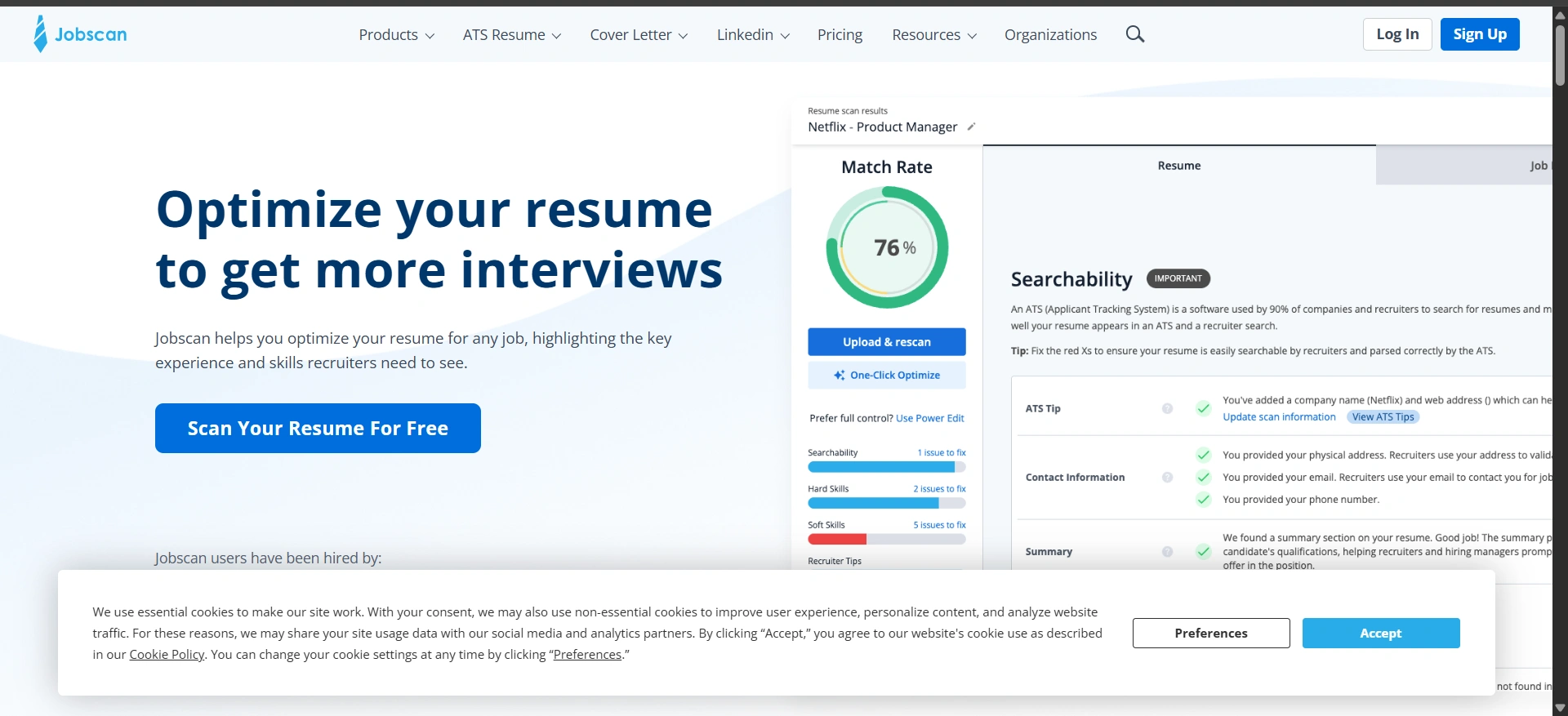
Jobscan helps match your resume with job descriptions. It compares both and shows what’s missing, what’s strong, and what needs improvement. This helps your resume pass automated screening systems used by companies.
Benefits:
- Improves resume relevance
- Increases shortlisting chances
- Shows missing skills and keywords
- Saves the time by reducing manual checking
Tip:
Change your resume for each job don’t just use the same resume for all jobs
Website: Jobscan
Hiretual
Purpose:
Hiretual works like a smart recruiter assistant. It helps to match your profile with the job opportunities and also helps recruiters to find the suitable candidates faster. This improves visibility for skilled professionals.
Benefits:
- Better job matching
- Improves recruiter discovery
- Strong database insights
- Useful for niche roles
Tip:
Keep your online profiles updated. Recruiters rely on accurate data.
Website: Hiretual
SeekOut
Purpose:
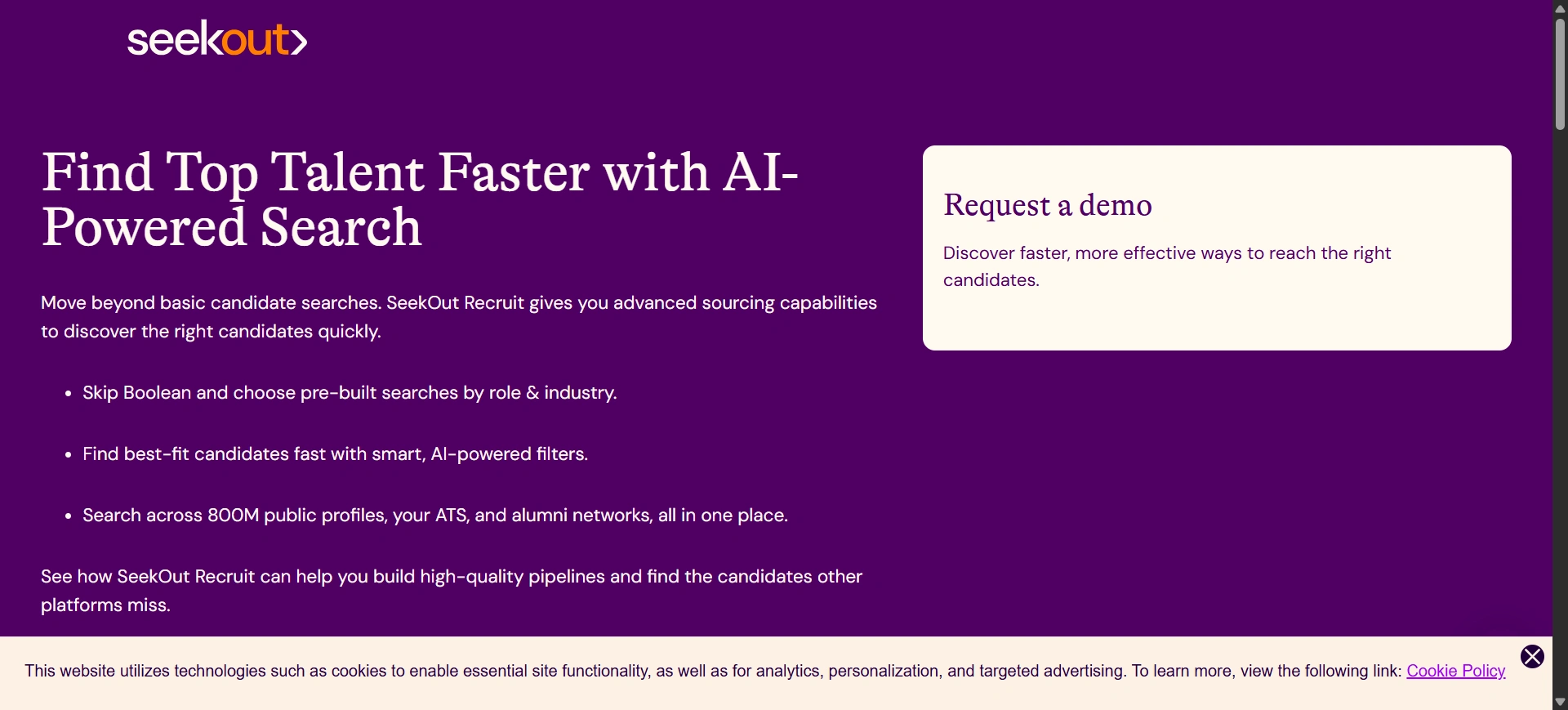
SeekOut helps job seekers discover opportunities beyond popular job portals. It searches deeper into company databases and professional networks to uncover hidden roles.
Benefits:
- Finds less crowded opportunities
- Helps niche professionals
- Improves job discovery
- Saves searching time
Tip:
Focus on quality roles instead of applying everywhere.
Website: SeekOut
Indeed AI
Purpose:
Indeed AI learns from your job searches and applications. Over time, it suggests roles that match your interests, location, and experience, making job discovery easier.
Benefits:
- Personalized job suggestions
- Easy application process
- Large job database
- Suitable for people for all experience levels
Tip:
Apply consistently but selectively. Better matches lead to better responses. Job searching is stressful when it feels random.
These tools help you:
- Apply with clarity
- Improve resume relevance
- Reduce rejection fatigue
- Stay consistent without burnout
Website: Indeed AI
Writing & Communication Tools
Good communication opens doors. Many people miss the good chances not just because of having less skills, but just because their messages are not clear. Emails, resumes, and LinkedIn messages all are also important. These tools help you to share your thoughts clearly.
Grammarly
Purpose:
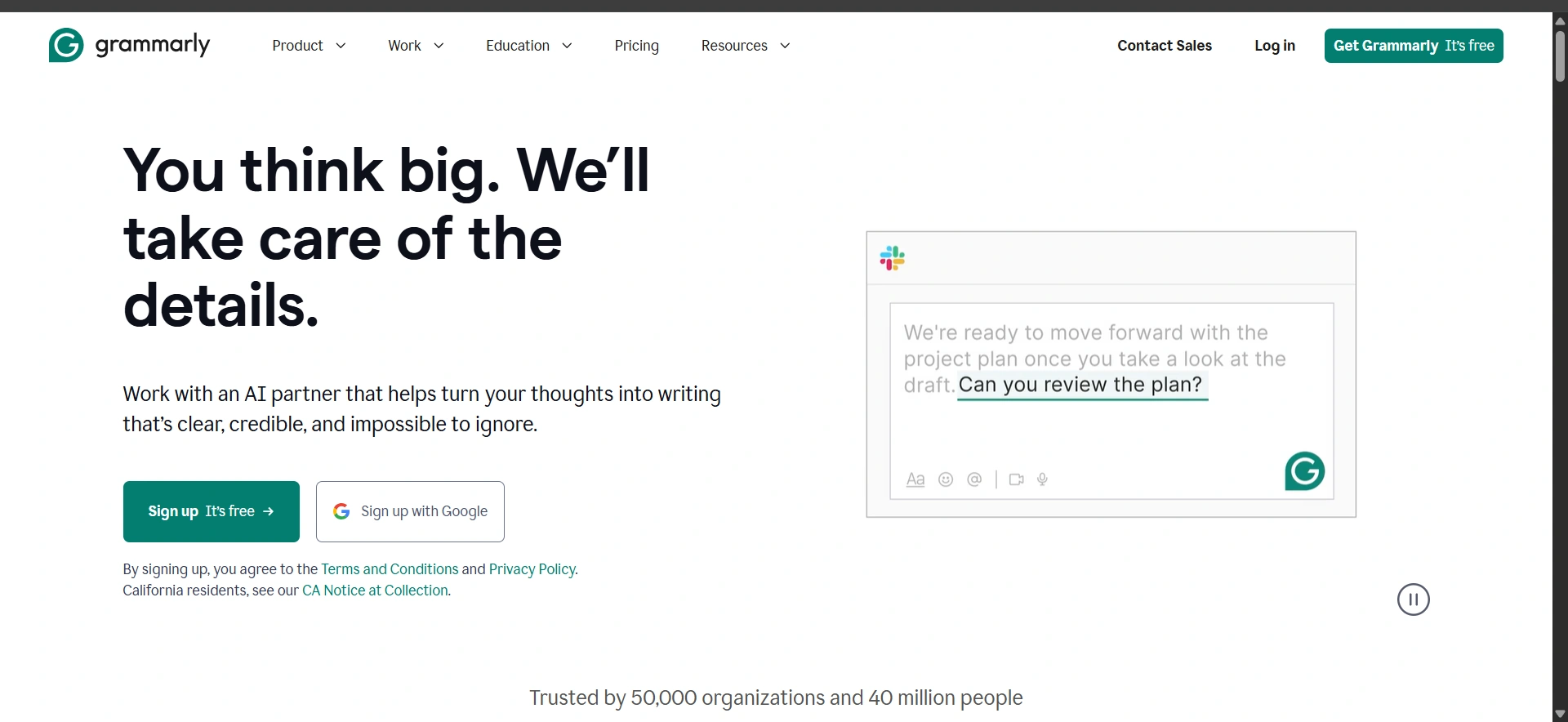
Grammarly helps you to improve your writing skills and this will check the grammar along with spellings, and gives you clarity, and mainly your emails and resumes look clean and easy to read. It works in the background and helps your writing without changing anything.
Benefits:
- Clears grammar and spelling mistakes
- Gives sentence clarity
- Helps sound confident and polite
- Saves editing time
Tip:
Don’t accept every suggestion blindly. Keep sentences that sound like you.
Website: Grammarly
QuillBot
Purpose:
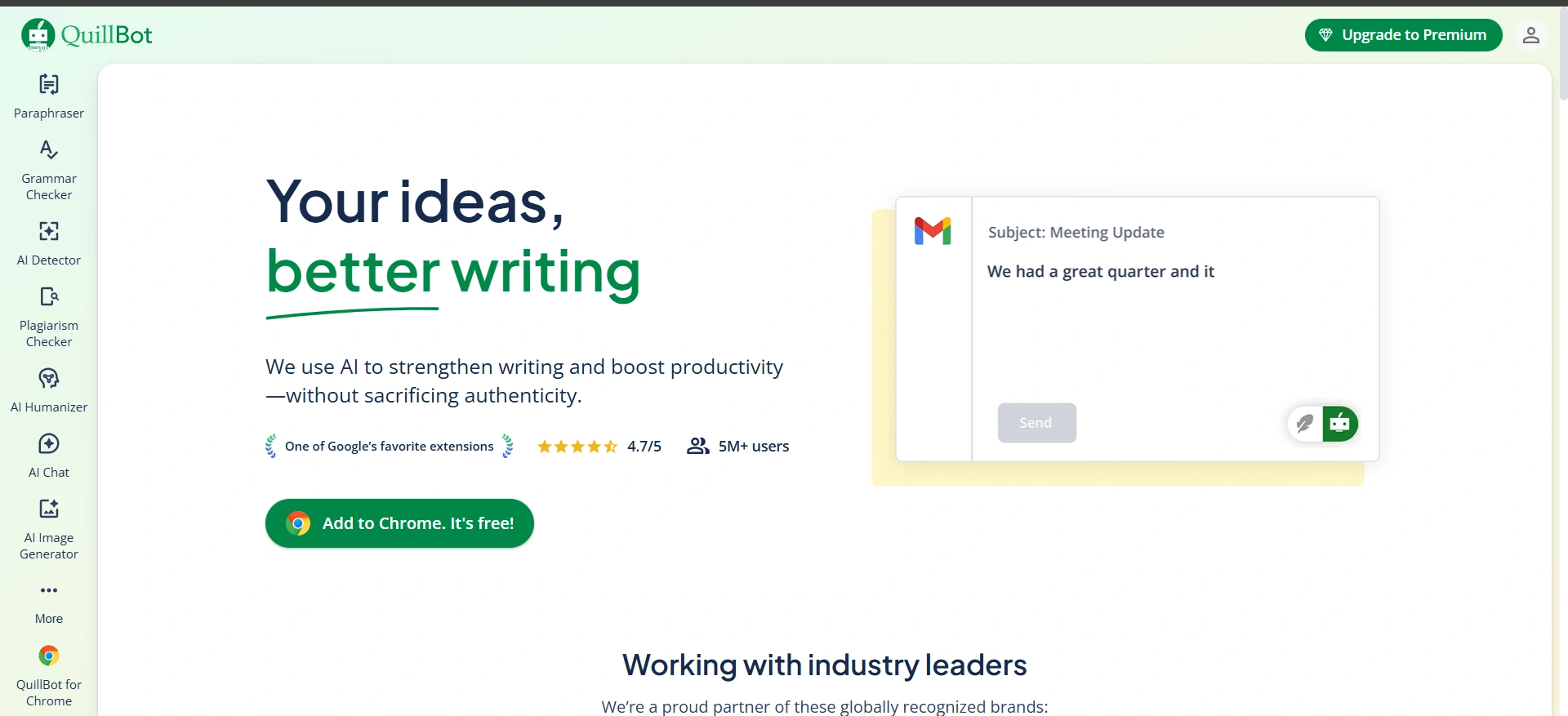
The QuillBot tool helps you to rewrite the sentences when your writing is not clear. It is useful to you when you know what you want to say but struggle with wording. It also helps summarize long content into simple points.
Benefits:
- Improves sentence flow
- Reduces repetition
- Helps simplify long text
- Useful for quick rewrites
Tip:
Use it to improve clarity, not to change your original meaning.
Website: QuillBot
Writesonic
Purpose:
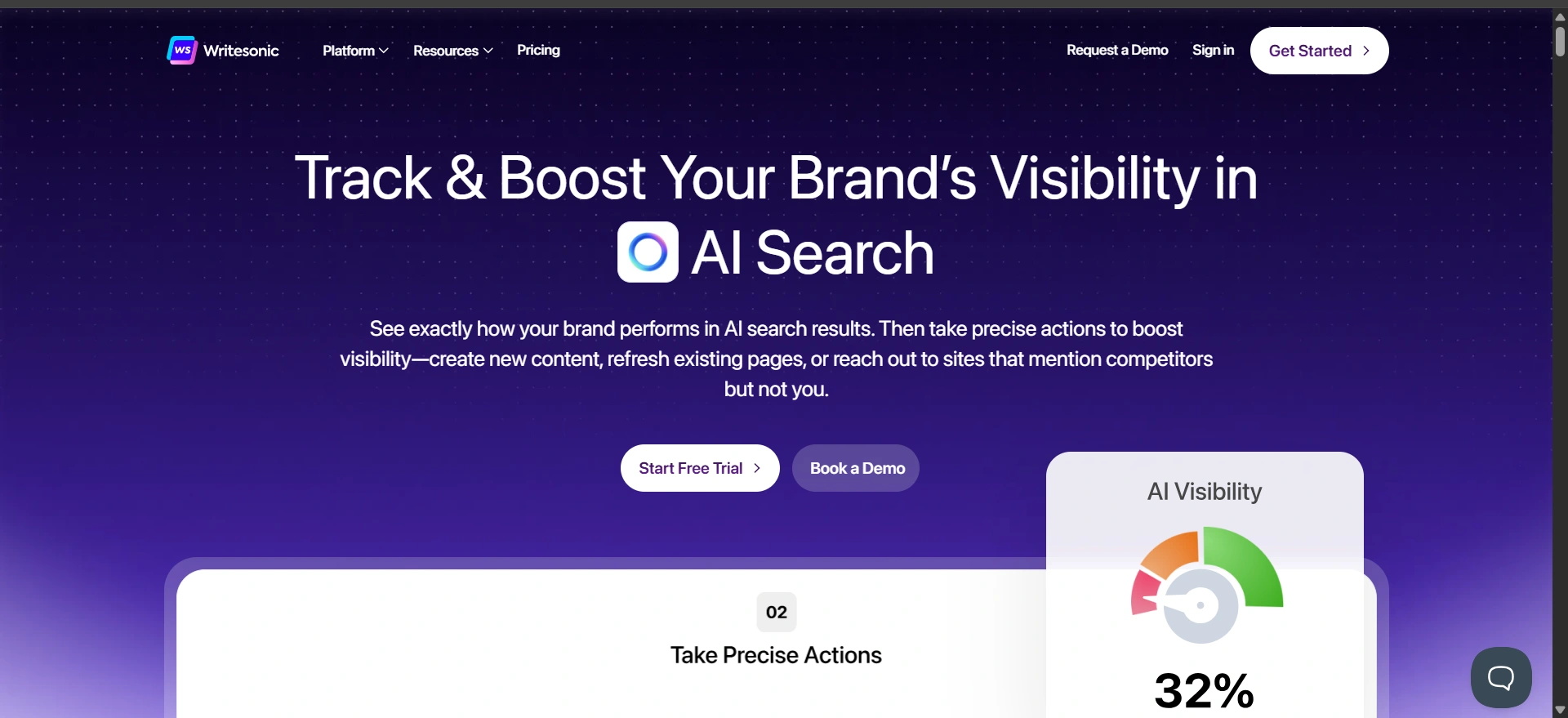
Writesonic helps draft professional emails and messages when you’re short on time. It’s helpful for follow-ups, outreach emails, and formal communication that needs a clean structure.
Benefits:
- Speeds up email writing
- Provides clear structure
- Reduces writing stress
- Useful for job-related communication
Tip:
Edit the tone to match your personality before sending.
Website: Writesonic
Wordtune
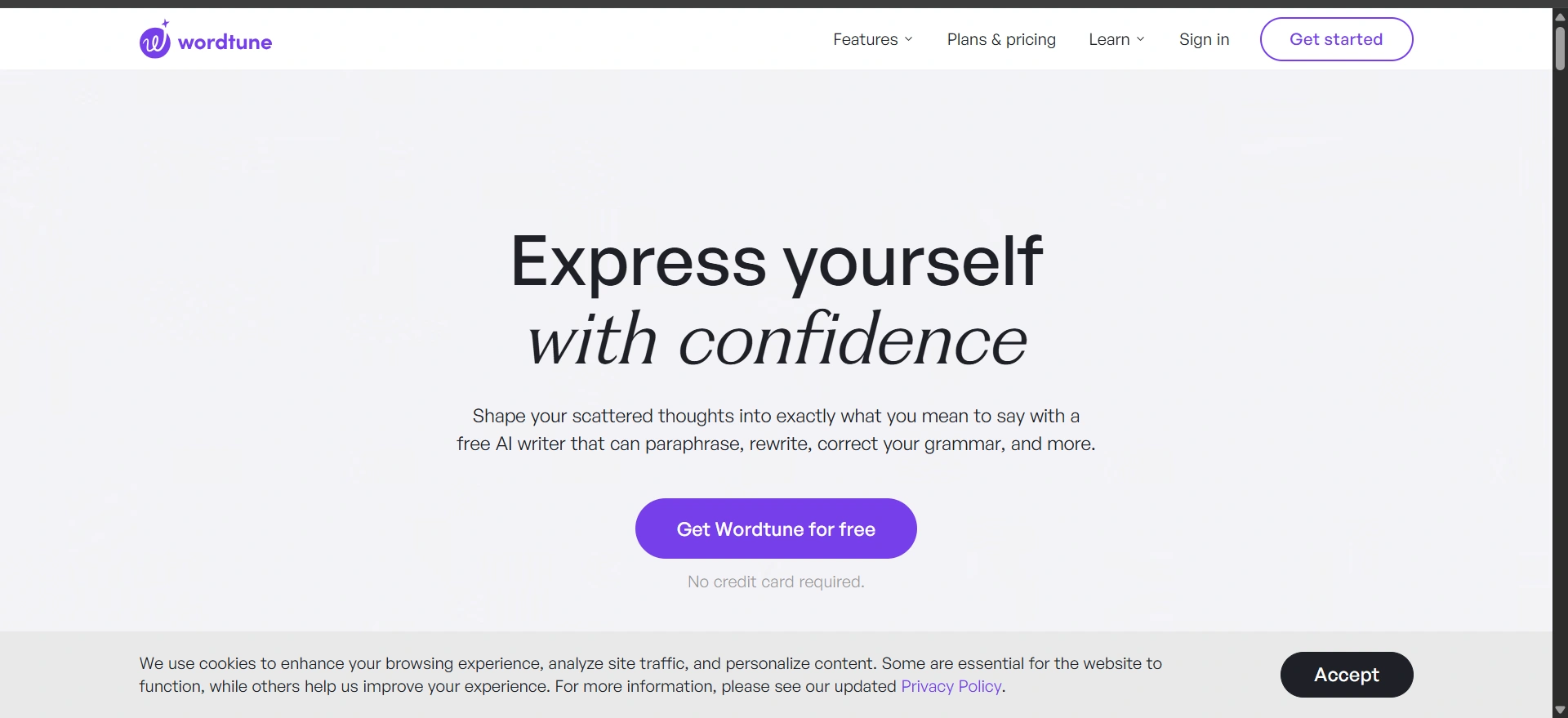
Purpose:
Wordtune tool helps you to improve your sentences sound. It just keeps focused on tone, clarity, and readability. If your message feels awkward or too formal, this tool helps smooth it out.
Benefits:
- Makes writing sound natural
- Improves tone and flow
- Offers multiple sentence options
- Keeps writing simple and clear
Tip:
Choose versions that feel natural when read out loud.
Website: Wordtune
Jasper AI
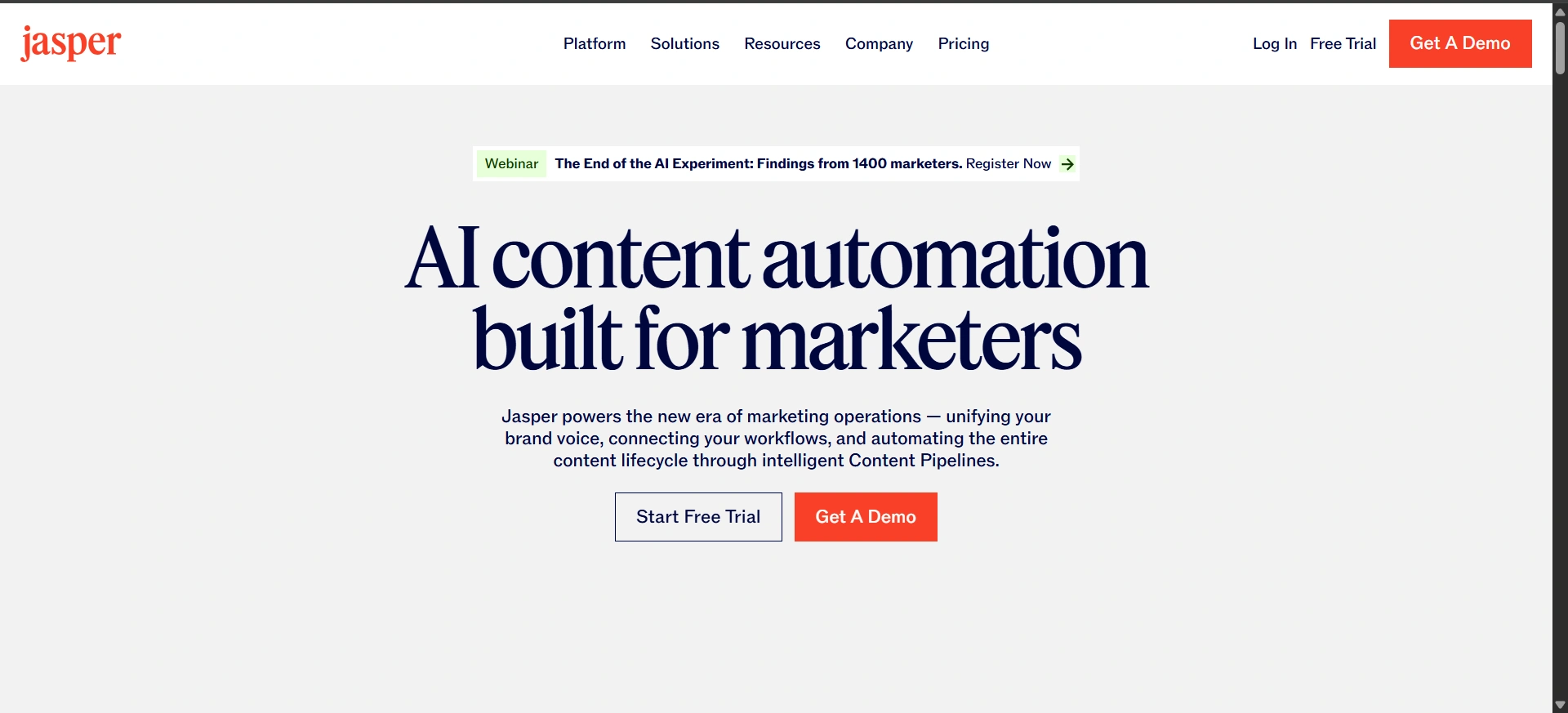
Purpose:
Jasper helps with writing longer content like application messages, networking emails, and introductions. It helps you to organize the ideas and structure messages when you don’t know where to start the content.
Benefits:
- Helps structure long messages
- Useful for professional communication
- Saves brainstorming time
- Helps maintain consistency
Tip:
Always personalize the final message. Generic writing rarely works.
These tool is useful in many ways:
- Express ideas confidently
- Avoid misunderstandings
- Sound professional, not robotic
- Communicate with ease
Website: Jasper
Time and Productivity Tools Management
Job searching and learning new skills which help you prepare for interviews can quickly feel overwhelming. When everything feels scattered, motivation drops. These tools will help you to bring order to daily tasks so you stay focused and move forward without burnout.
Trello AI
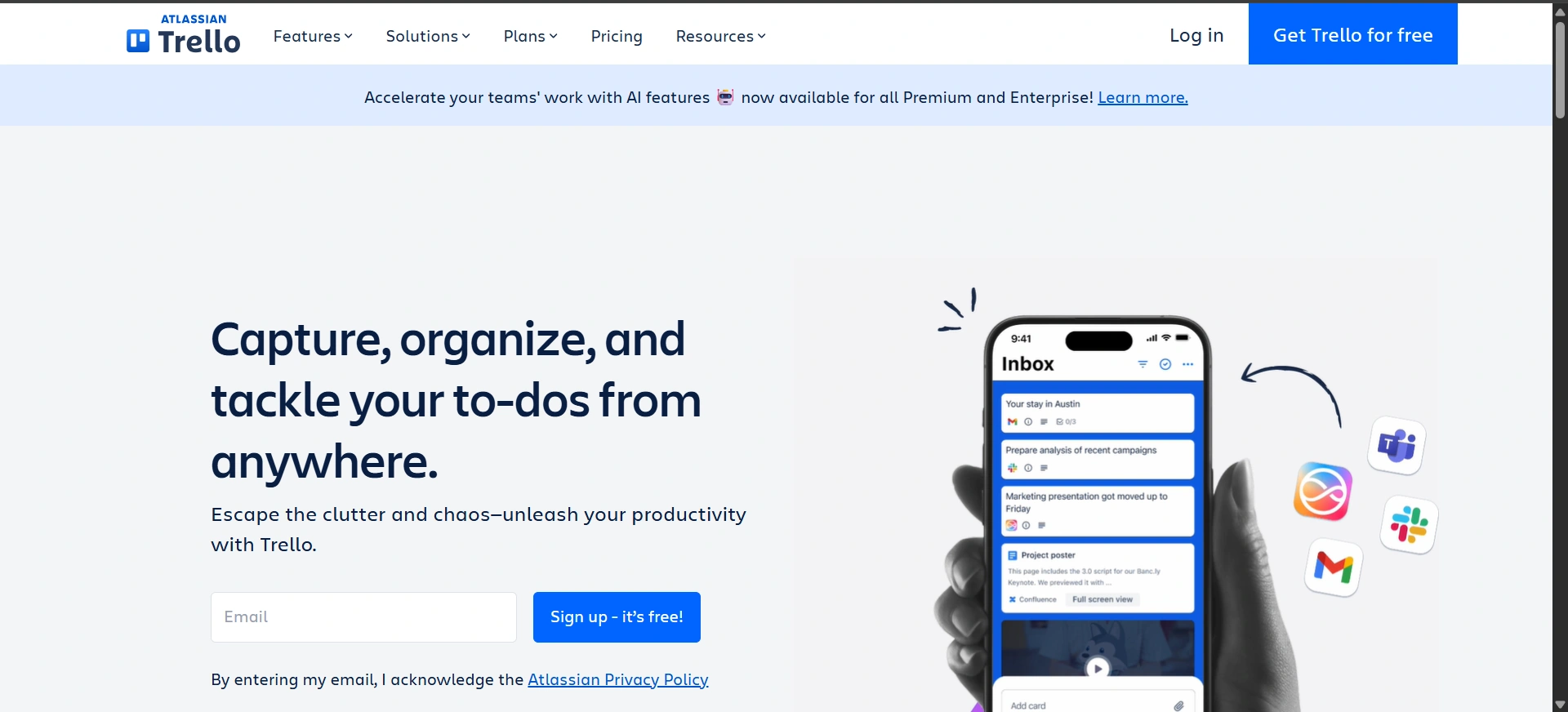
Purpose:
Trello AI helps you visually organize job search tasks using boards and cards. It makes progress visible and manageable, which helps reduce stress.
Benefits:
- Simple task tracking
- Clear job application flow
- Easy to prioritize tasks
- Helps you stay motivated
Tip:
Create separate boards for “Applied,” “Interview,” and “Follow-up.”
Website: Trello
ClickUp AI
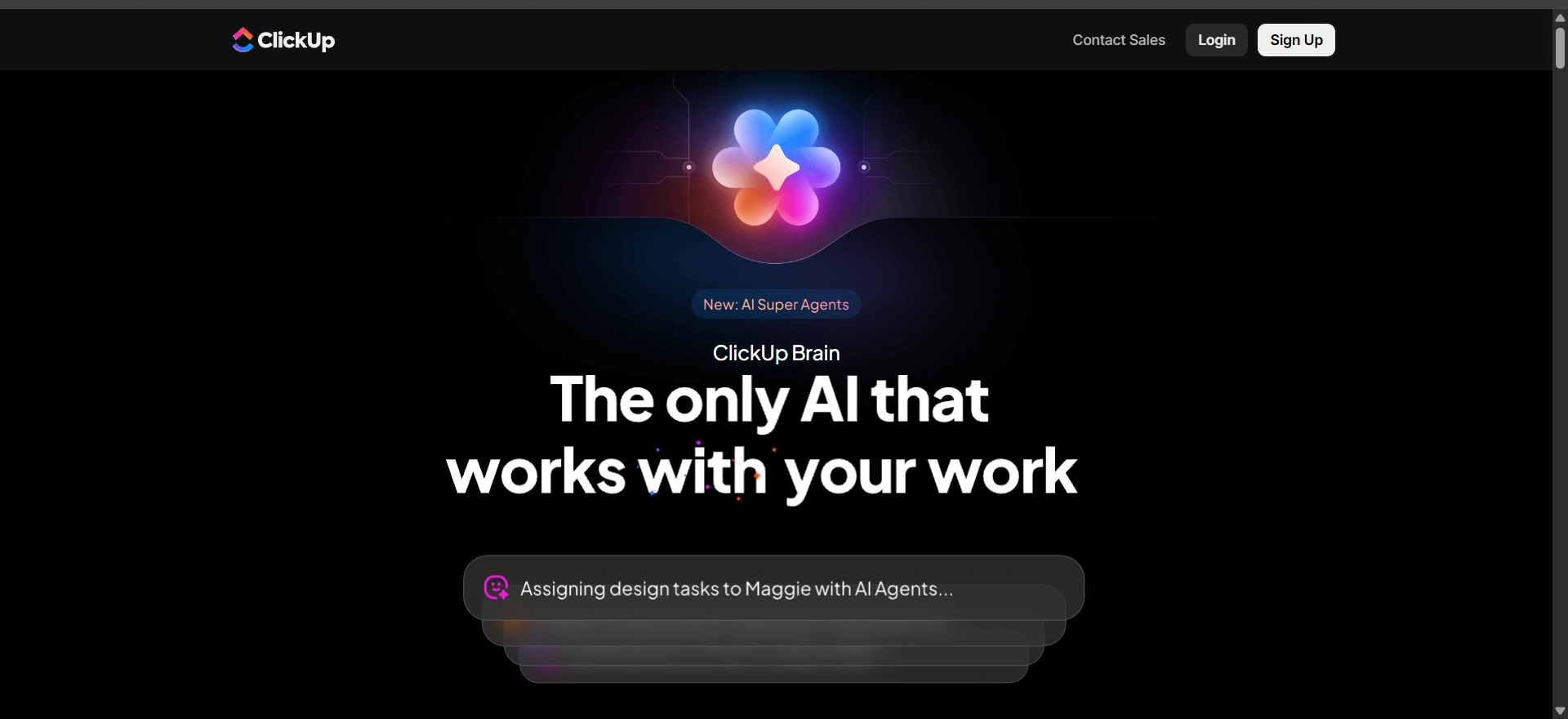
Purpose:
ClickUp AI helps manage tasks, deadlines, and goals more efficiently. It’s useful for people juggling learning, job search, and personal projects together.
Benefits:
- Smart task breakdown
- Improves time management
- Helps track long-term goals
- Supports structured workflow
Tip:
Don’t overload your daily list. Focus on 3 important tasks per day.
Website: ClickUp
Motion AI
Purpose:
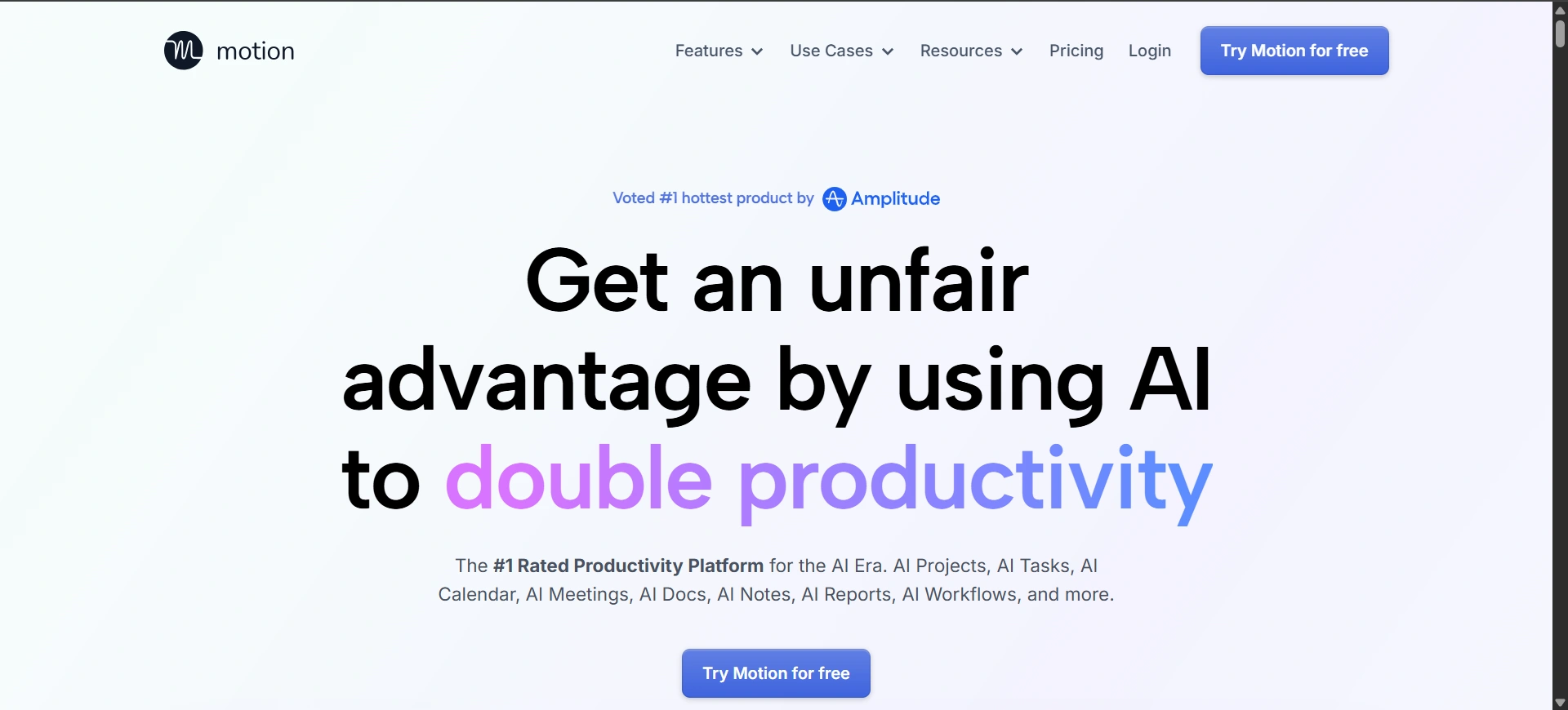
Motion AI automatically plans your schedule by prioritizing tasks based on deadlines. It removes the stress of planning your day manually.
Benefits:
- Saves planning time
- Reduces decision fatigue
- Keeps tasks on schedule
- Improves daily focus
Tip:
Check your schedule every morning so you can stay flexible.
Website: Motion
Otter.ai
Purpose:
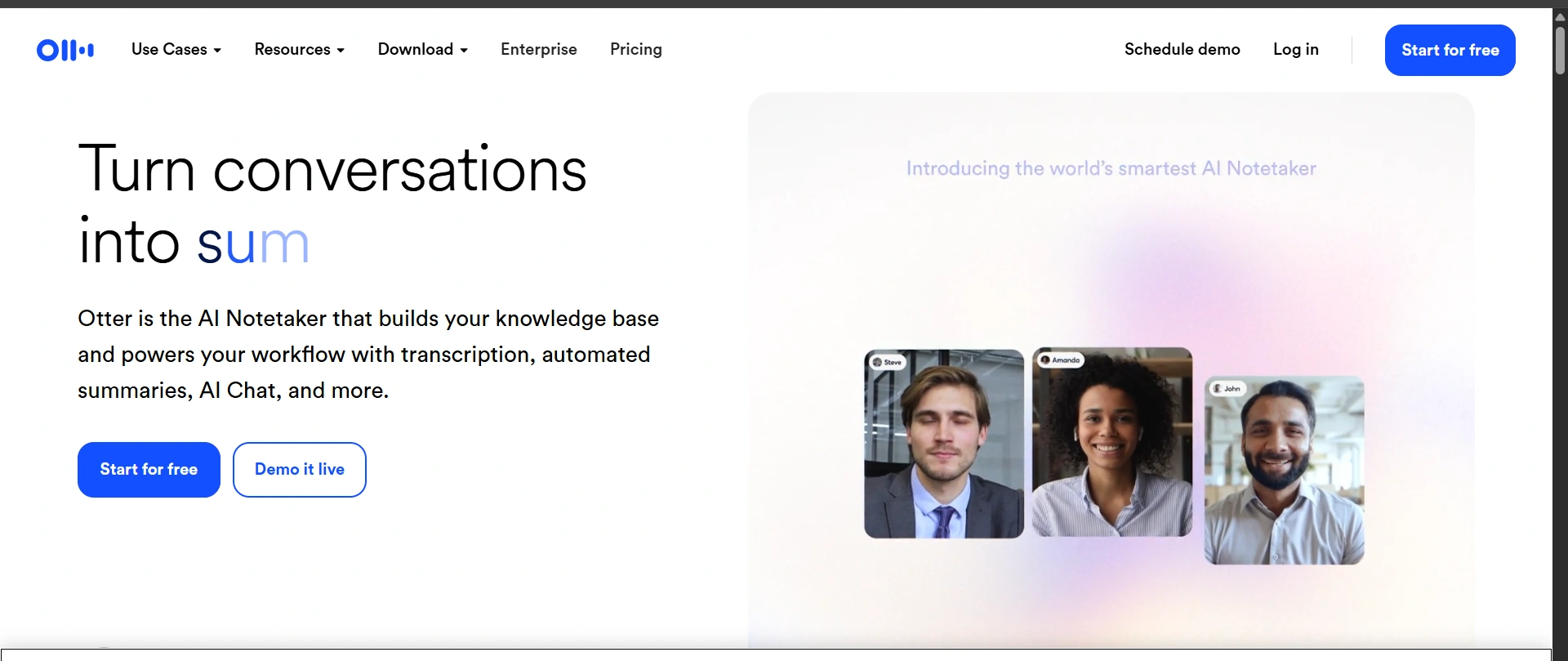
Otter.ai tools help you to convert the spoken conversations into written notes. It’s useful during interviews, meetings, or learning sessions where taking notes manually is difficult.
Benefits:
- Accurate transcription
- Saves note-taking time
- Easy review of discussions
- Helps capture key points
Tip:
Read the notes after meetings and write down the next steps right away.
Why These Tools Are Required:
Staying organized helps to reduce stress.
These tools help you:
- Use time wisely
- Stay consistent
- Avoid burnout
- Make progress visible
Website: Otter.ai
AI Tools for Creativity Purpose
As you know today visuals speak louder than words. Just a short video or just a simple presentation can show your skills faster than a clumsy resume. These tools help you to share your ideas clearly and give you clarity even if you don’t know design or video editing.
Synthesia
Purpose:
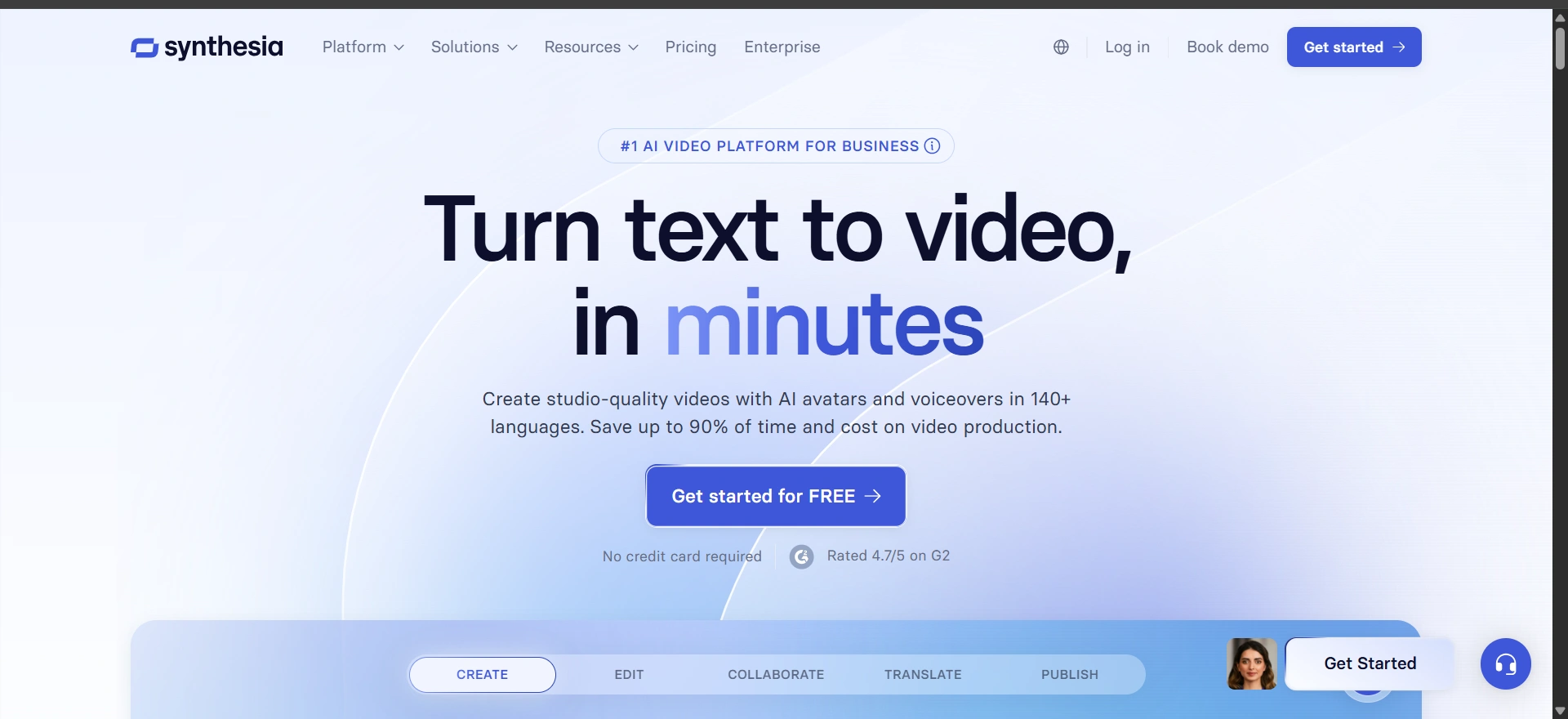
Synthesia helps you make professional-looking videos without using a camera or studio. It is useful for self-intro videos, portfolio presentations, and personal pitches.
Benefits:
- No video recording needed
- Professional appearance
- Easy content creation
- Useful for remote opportunities
Tip:
Keep videos short and focused. One clear message works best.
Website: Synthesia
Pictory AI
Purpose:
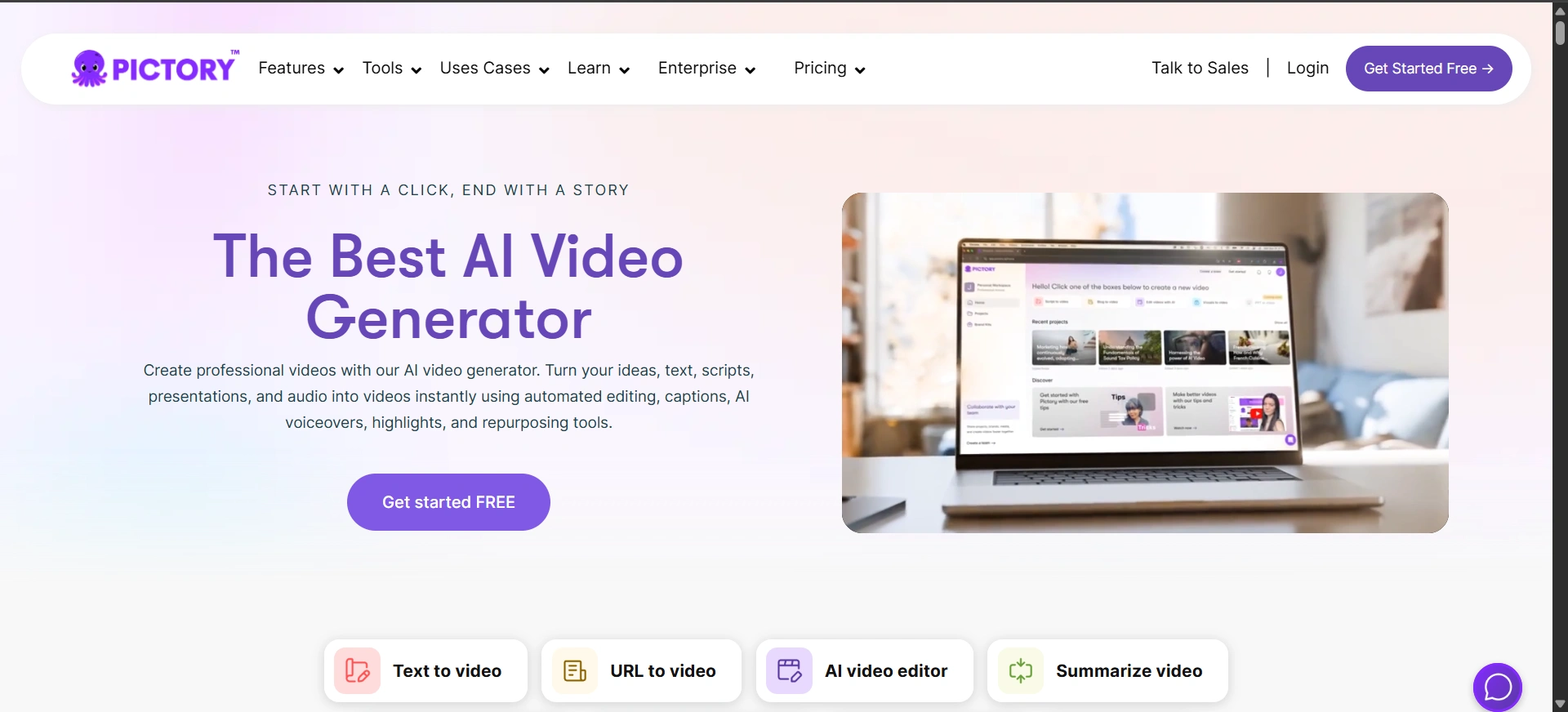
Pictory AI turns written content into short videos. You can convert blog posts, scripts, or ideas into visual presentations without editing skills.
Benefits:
- Saves editing time
- Simple video creation
- Useful for portfolios
- Engaging visual output
Tip:
Use captions to make videos easy to understand without sound.
Website: Pictory AI
Lumen5
Purpose:
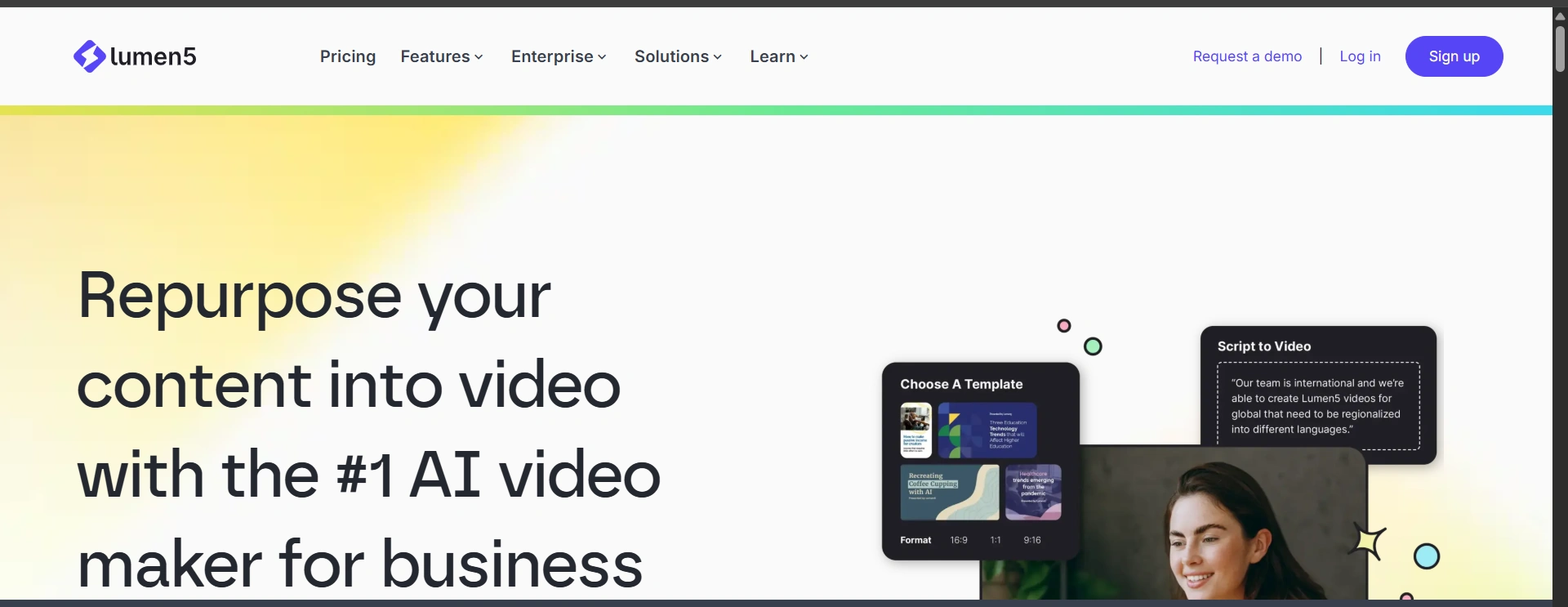
Lumen5 helps create branding videos by turning text into visuals. It’s useful for personal branding and content-based portfolios.
Benefits:
- Easy blog-to-video conversion
- Clean video layouts
- Good for social sharing
- Supports brand consistency
Tip:
Stick to one style and color theme for better brand recall.
Website: Lumen5
Designs.ai
Purpose:
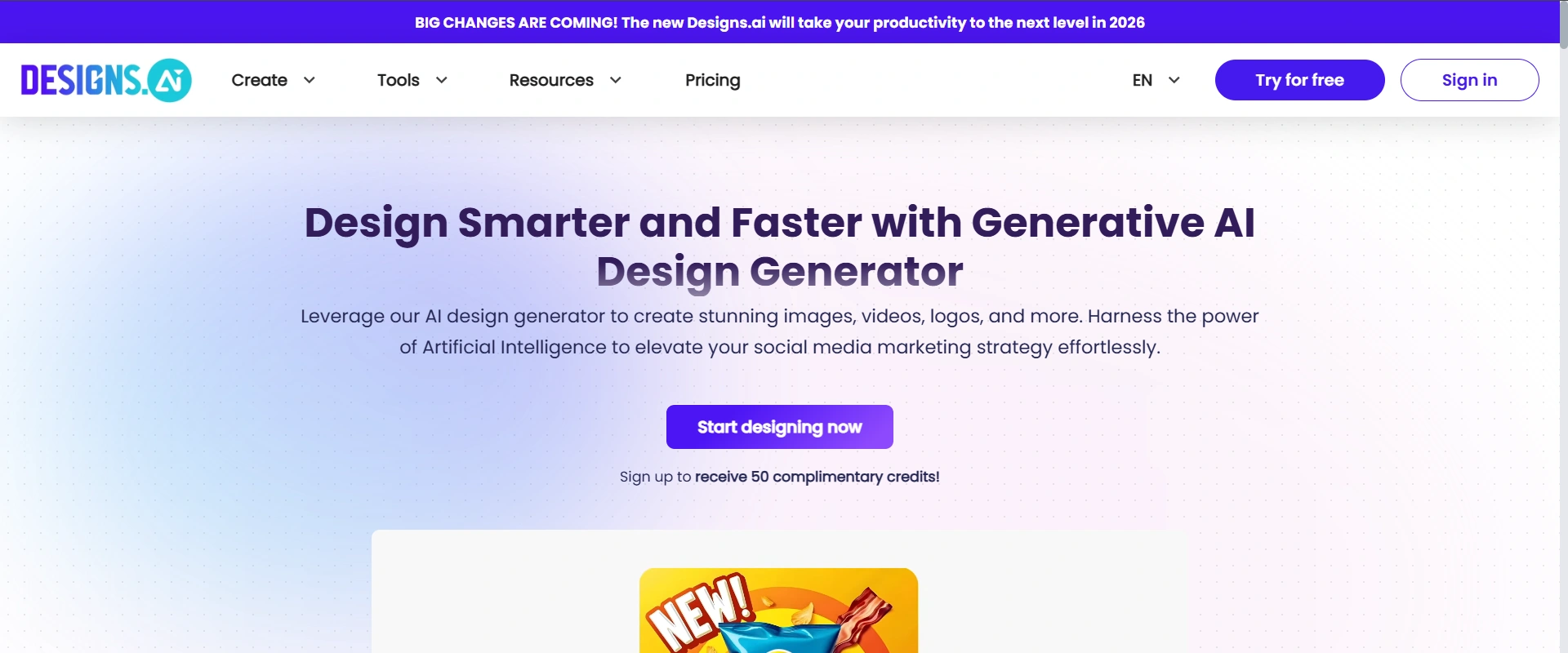
Designs.ai helps create logos, videos, and presentations quickly. It’s useful when you need multiple design assets without hiring a designer.
Benefits:
- All-in-one design tool
- Saves time and cost
- Simple interface
It is useful for startups and freelancers
Tip:
Don’t overload designs. Clean visuals feel more professional.
Website: Designs.ai
AI for Coding & Technical Skills
Technical roles don’t just test what you know. They check how you think, solve problems, and explain your ideas clearly. That’s where AI tools for job seekers can help you prepare better.These tools will help you to practice coding, get ready for interviews, and improve your problem-solving skills step by step, which helps you to crack your job.
GitHub Copilot Tool
Purpose:
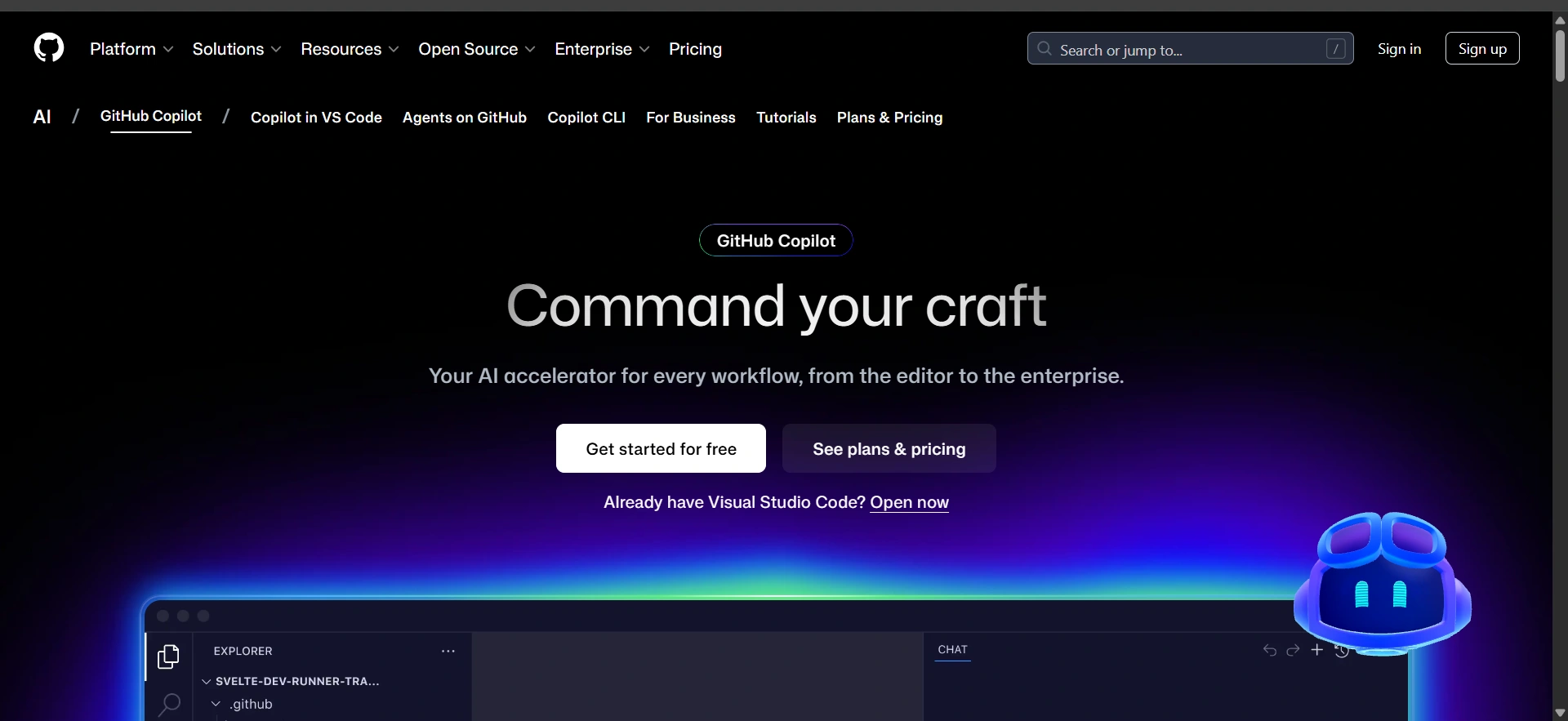
GitHub Copilot Tool helps you to write the code faster by suggesting the lines and functions as you give. It supports your learning by giving the examples and reduces time spent on repetitive code.
Benefits:
- Speeds up coding work
- Helps learn new syntax
- Reduces errors
- Improves productivity
Tip:
Don’t copy blindly. Understand suggestions before using them.
Website: GitHub Copilot
LeetCode AI
Purpose:
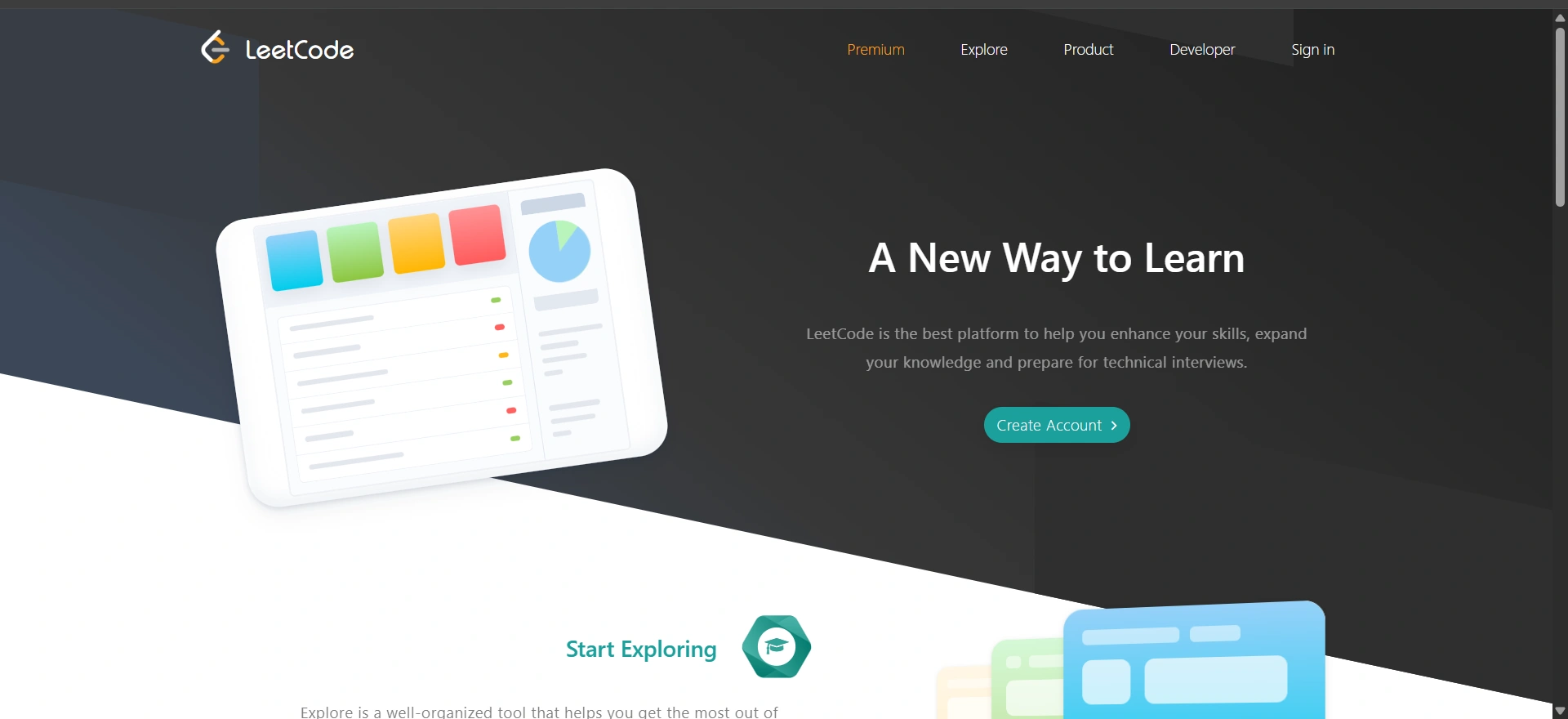
LeetCode AI helps prepare for coding interviews by suggesting problems based on your skill level. It helps you through your patterns used in technical interviews.
Benefits:
- Improves problem-solving skills
- Builds interview confidence
- Practice with real interview-style questions
- Tracks improvement
Tip:
Focus on understanding patterns instead of memorizing solutions.
Website: LeetCode AI
CoderPad
Purpose:
CoderPad helps practice live coding tests. It simulates real interview environments so you can code under pressure and explain logic clearly.
Benefits:
- Real-time coding practice
- Improves communication skills
- Reduces interview anxiety
- Supports multiple languages
Tip:
Practice explaining your thought process while coding.
Website: CoderPad
Kaggle
Purpose:
Kaggle helps you practice data-related skills using real datasets. It’s useful for building project-based experience and learning through competition.
Benefits:
- Real-world datasets
- Hands-on project experience
- Learning through challenges
- Strong community support
Tip:
Document your projects. Recruiters value clear explanations.
Website: Kaggle
Exercism
Purpose:
Exercism helps improve your coding skills through practice and mentorship. It just keeps focused on clean code and best practices instead of just solving problems.
Benefits:
- Feedback-driven learning
- Strong coding fundamentals
- Mentorship support
- Improves code quality
Tip:
Review mentor feedback carefully. Small improvements make big differences. Good code is not just about speed. It’s about clarity and thinking.
These tools help you in many ways:
- Practice it consistently
- Improve logic
- Build confidence
- Perform better in interviews
Website: Exercism
How to Use These AI Tools Effectively for Getting a Job
Having AI tools for job seekers is not enough. You need to use them properly.Many people use too many tools at the same time and also feel confused. Below is a simple way, and gives you a step-by-step way to use these tools without feeling stressed.
Build Strong Resumes for LinkedIn Profiles
Your resume and LinkedIn profile are the first impression. Before applying anywhere to any job, these two must be clear, updated, and relevant.
How to Use Them the Right Way:
- Use this resume tools to improve your resume for each role
- Match keywords from job descriptions
- Improves the structure along with readability
- It helps you to optimize your LinkedIn headline and summary
Why this matters:
Recruiters often check LinkedIn before calling candidates. A strong profile builds visibility and trust. That’s why using AI tools for job seekers like resume builders, ATS checkers, LinkedIn optimization, and analytics tool can make a real difference.
Upskill in High-Demand Fields
Skills decide your growth. Degrees fade. Skills stay relevant.
How to use them in correct way:
- Identify skills related to your target role
- Follow one learning path at a time
- Practice what you learn immediately
- Track progress weekly
Why this matters:
Recruiters hire for current skills, not past achievements. Focus on the Learning platforms, productivity planners, and skill-tracking tools.
Prepare for interviews with AI tools for job seekers.
Interview confidence isn’t about luck. With practice and AI tools for job seekers, you get better every time.
How to use them in smart way:
- Practice answers aloud
- Record and review responses
- Improve clarity, tone, and structure
- Simulate real interview pressure
Why this matters:
Even skilled candidates fail interviews due to nervousness or unclear answers. Mock interview tools, interview feedback platforms, coding practice tools.
Show Your Skills Using AI Tools
It’s better to show your work than explain it.
How to use them effectively:
- Build a simple digital portfolio
- Add project explanations
- Include visuals, demos, or videos
- Share portfolio links during applications
Why this matters:
Portfolios prove ability. They reduce doubt and increase trust. Portfolio builders, creative tools, coding project platforms.
Optimize your job search with AI tools for job seekers.
Job searching is exhausting when it feels messy. Organization makes it manageable.
How to use them effectively:
- Track applications clearly
- Apply carefully, not everywhere
- Save time on repeated work
- Use your time and energy well
Why this matters:
Consistency beats speed. Organized effort leads to better results.
Whether you are:
- A student unsure about the first step
- A professional stuck in the same role
- A creator trying to build visibility
- An entrepreneur juggling too many tasks
These AI Tools for Job Seekers are not about doing more. They are about doing better.Don’t try all at once. That’s not the goal. Pick a few that match your current stage. Use them consistently. Improve slowly.
Progress compounds when you stay steady. The future is not for the people who work the hardest. It belongs to people who learn fast, change quickly, and come prepared. Now, you have the tools to do that.