

Building a website starts with two key ingredients: A domain name (Your websites’ address) Hosting (the place where your site files live)
If you’re a beginner reading this in 2025 who wants to create your first blog, business site or portfolio Hostinger is one of the cheapest and most reliable options
In this guide, we’ll Hostinger Domain and Hosting Guide hold your hand the entire way from choosing a hosting plan to setting up a domain name and finally launching that stunning site of yours Hostinger Domain and Hosting Guide
Why Choose Hostinger?
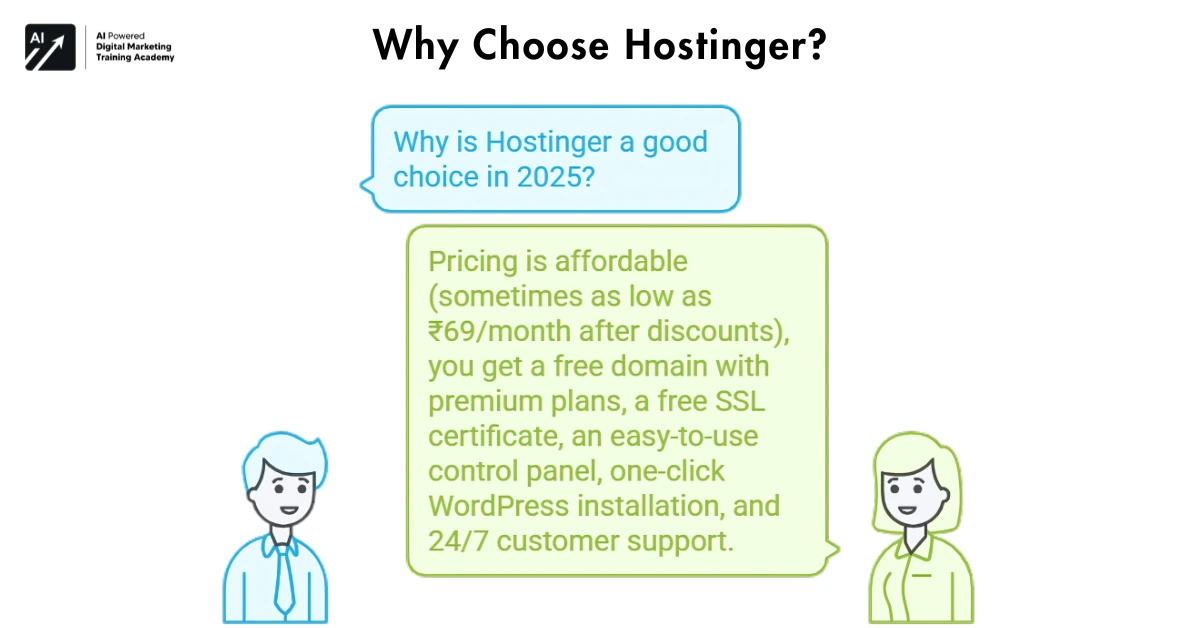
Before we get to the process, let’s discuss why Hostinger is a good choice in 2025
- Pricing is not that expensive (sometimes as low as ₹69/month after discounts)
- Free domain with premium plans
- Free SSL certificate
- Easy-to-use control panel
- One-click WordPress installation
- 24/7 Customer Support
If you are a student, blogger or just looking to start a small business online then Hostinger has plans that offer something for everyone
How to Buy Hosting and Domain from Hostinger Step by step Guideline
Go to the Hostinger Website
Go to www. hostinger. in. On the main page, you’ll see different plans and offers

You’re looking for something like “Get Started”, or “Start Now” (even “claim offer“) and click it
How to select the hosting type
Hostinger provides a few types of hosting. Here’s an overview so that you choose what fits bestI your needs
Hostinger Hosting Types
Shared Hosting
- Great for newcomers, small sites
- Affordable and easy to manage
- Limited resources shared with others
- Recommended Plan: Premium Shared Hosting
Cloud Hosting
- High performance, better uptime
- Scalable, ideal for growing businesses
- Faster than shared hosting
- Starts from ₹899/month
To Get Discount for Cloud StartUp Hosting (Click Here and Get 20% off From AIPDMA)
To Get Discount for Cloud StartUp Professional (Click Here and Get 20% off From AIPDMA)
To Get Discount for Cloud StartUp Enterprise (Click Here and Get 20% off From AIPDMA)
VPS Hosting
- Greater control and horsepower than the shared hosting
- Best for developers or high traffic sites
- Requires technical knowledge
To Get Discount for KVM 1 VPS StartUp Hosting (Click Here and Get 20% off From AIPDMA)
To Get Discount for KVM 2 VPS StartUp Hosting (Click Here and Get 20% off From AIPDMA)
To Get Discount for KVM 4 VPS StartUp Hosting (Click Here and Get 20% off From AIPDMA)
To Get Discount for KVM 8 VPS StartUp Hosting (Click Here and Get 20% off From AIPDMA)
WordPress Hosting
- Optimized for WordPress websites
- Includes WordPress & caching Already Installed
- Great for people who blog and use CMS
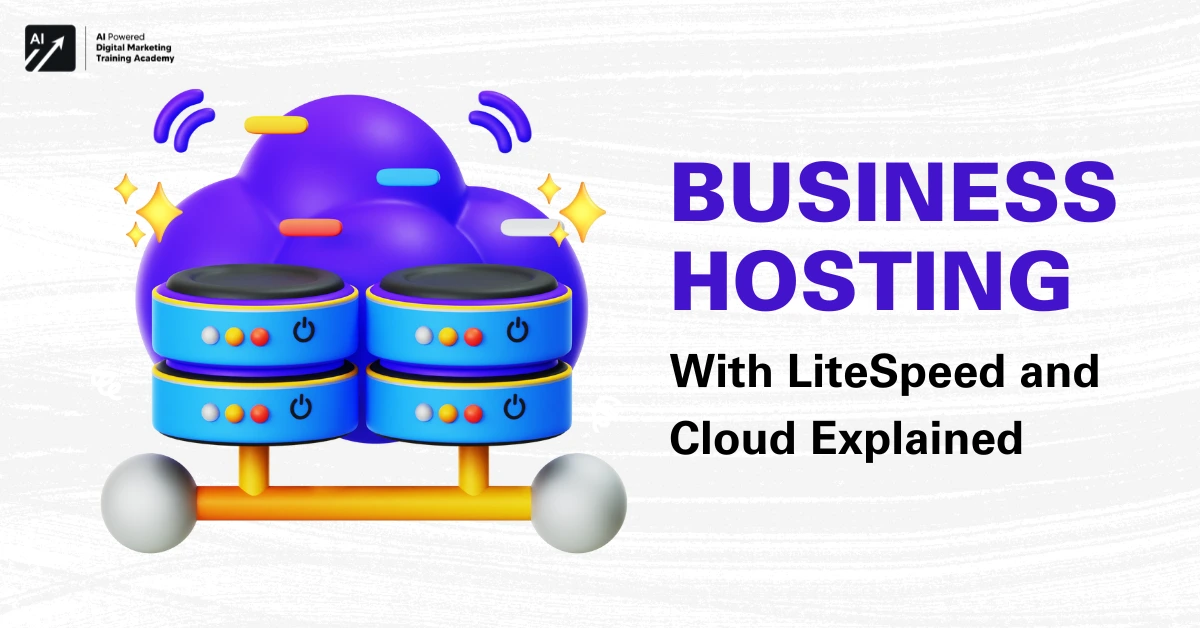
Business Hosting (LiteSpeed + Cloud)
- Perfect for eCommerce or corporate websites
- Leverages cloud capability and collective simplicity
Pro Tip: Start with Premium Shared Hosting if you are new. It comes with a free domain, SSL and allows 100 websites
To Get Discount for Business Web Hosting (Click Here and Get 20% off From AIPDMA)
Select The Plan Duration
Once you’ve selected your plan, choose the billing frequency
- 1 Month
- 12 Months
- 24 Months
- 48 Months (Best value)
Longer durations offer bigger discounts. Most of our users do 24 or 48 months to save a little money over time.
Free Domain Selection is available
If you have chosen a plan with free domain, then it is time for you to search your own desire of the name
Tips to Choose a Domain
- Keep it short and brandable
- Use extensions like. com,. in, or. net
- Avoid hyphens and numbers
- Match it with your business or industry (e.g., mytechblog. in)
When you come across an available domain, click Add to Cart
Make Your Account
You can sign up using
- GitHub
Enter your email address (Note, accounts and billing information will be sent to this address).
Make the Payment
Choose your preferred payment method:
- UPI (PhonePe, GPay, etc.)
- Credit/Debit Cards
- PayPal
- Net Banking
And Hostinger is regularly filled with additional promo codes or auto-applied discounts.
Just be sure to verify the amount before clicking Pay Now
Set Up Hosting
After the payment is done, you will receive a redirection to your Hostinger Dashboard
- Click on Start Setup
- Choose your domain
- Install WordPress or another CMS
- Choose a theme if needed
- Set up your login details
In a matter of minutes, your hosting and domain will be up!
FAQs While Buying Hosting
Do I have to Purchase hosting and domain names separately?
Not always. Free domains with premium plans are available at Hostinger. But you can also get them individually
Can I Upgrade my Hosting Plan Later
There are and you can update or downgrade at any time from your control panel
But what if I already have a domain somewhere else?
It can be connected with name servers or transferred to Hostinger
Selecting the Best Hosting Plan
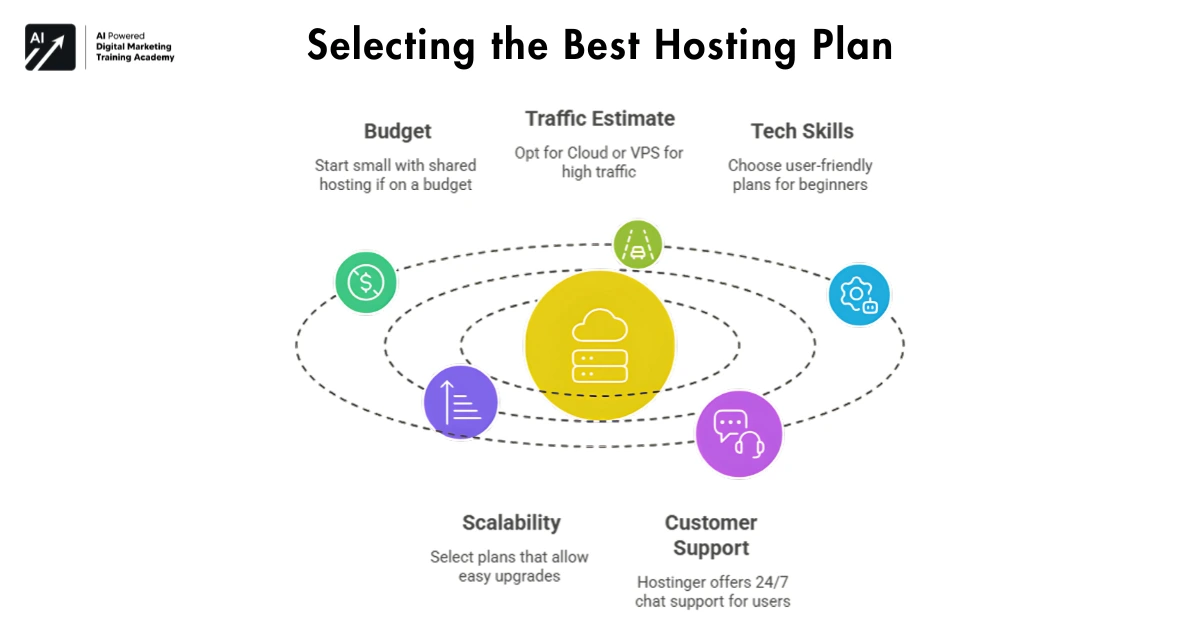
- Budget – If you’re on a budget, start small with shared hosting
- Traffic Estimate – If you have high traffic go for Cloud or VPS
- Tech Skills – Beginners will want plans that are simple to use
- Scalability – Select a plan you can upgrade without the need of another deployment
- Customer Support – Hostinger offers 24/7 chat support, great news for starting users
Final Takeaway
Build a website easily with Hostinger. With the user-friendly dashboard that is designed for beginners, low-cost pricing (including a free domain), and high uptime rates you don’t have to be an IT professional to begin your online journey
From portfolio, online store to business site or blog Hostinger has a viable plan for all of them.
Men why not try out this step-by-step guide to
buy your domain and hosting, and you’ll be live in less than an hour
Build smart. Build strong. Start with Hostinger